
The 10 Best AI Document Analysis Tools in 2026
In high-stakes sectors such as credit investment, private equity, credit, and investment banking, professionals need to analyze vast numbers of documents quickly and with utmost precision.
Forty-six percent of finance professionals report being overwhelmed by the sheer volume of documents they must review, and another 46% struggle to extract actionable signals across multiple sources. With these challenges at hand, traditional document analysis doesn’t cut it anymore. In this roundup, we’ll discuss the best platforms for specific industries and use cases, highlighting their strengths, drawbacks, and key features.
Evaluating the Best AI Document Analysis Tools
Some AI document analysis tools specialize in specific, highly technical industries or applications, while others are built to meet the broad needs of any end-user.
The criteria for what constitutes the best AI for document analysis will vary depending on your specific needs. However, making the leap from manual to AI-powered document review requires a strong degree of confidence in your system of choice.
Prioritize the following features when evaluating your options:
- Reliable data extraction from complex documents: AI that finds, isolates, and pulls specific details (such as numbers and quotes) from various document types without any errors. This lets users save time by pulling hard-to-find information in seconds.
- Document summarization: The capacity to identify and provide succinct roundups of the most critical information points from any document, letting users get a complete understanding of any file without having to read it from beginning to end.
- Ability to reason over information presented: AI that goes beyond information retrieval and restatements of fact to provide deeper meanings, interpretations, and strategic recommendations based on the information it receives and what the users ask for.
- Context across all your sources: A system that brings your private documents, internal files, and third-party data into one view, so the AI works from the full picture instead of one file at a time.
- Intuitive user interface: A user-friendly, easy-to-understand interface that lets users of all technical skill levels use the system to its maximum capacity.
- Strong security and compliance: A system that gives users control over how sensitive data is stored and handled, with clear data retention terms, strong administrative controls, enterprise-grade encryption, and a firm commitment never to train on your data.
- Citation-linked insights (ideally in-line): AI that ties each analytical takeaway with in-line citations, linking not just to the source, but to the specific page, paragraph, line, or spreadsheet cell where the information came from.
The level of transparency from citation-linked insights is essential, given that 85% of professionals are confident in AI outputs when answers are grounded in source documents, security, and system integrations.
Why manual document analysis fails
- Human error: Humans are much more likely than AI to make basic errors (like making miscalculations or missing valuable insights) in high-volume and/or high-complexity document analysis workflows.
- Inefficiency: Manual document analysis often requires hours, days, or weeks of time from skilled professionals that could be better spent on more value-added work. AI can execute document analysis in seconds or minutes, accelerating speed to insight, and freeing up bandwidth for professionals to focus on higher-level analytical thinking.
The Best AI for Document Analysis at a Glance
Below is a snapshot of the best AI tools for document analysis.
AI platform | Best for | Pricing | Notable features |
|---|---|---|---|
Hebbia | Connecting private financial documents and market data for AI analysis at institutional scale | Custom | - Purpose-built for finance, with native connections to market data sources |
ChatGPT | Fast, accessible document analysis | - Free - Go: $8/month - Plus: $20/month - Pro: $100/month - Pro: $200/month - Business Standard: $25/seat/month -Business Premium: $100/seat/month - Enterprise: Custom | - Data analysis through Python code |
Claude | Document generation | - Free (with usage limits) | - Data visualizations that turn structured data into .png images |
Litera Kira | Contract analysis | Custom | - Clause identification for legal contracts |
AskYourPDF | Quick answers | - Free | - Document summarization capabilities - Multi-file analysis - Automatic form filling |
Adobe Acrobat AI Assistant | Collaborative PDF analysis | - Available as part of the Acrobat Studio plan for $34.99/month | - Enterprise-grade security - Multi-file processing (up to 100 documents at once) - Prompt templates to streamline analysis |
Azure AI Document Intelligence | Software developers | Variable | - Enterprise-grade security - Flexible deployment options (in the cloud, on-premises, or hybrid) - Data extraction for specific file types |
ABBYY FineReader | Optical character recognition | - FineReader PDF for Mac: $69/year per license - FineReader PDF Standard: $99/year per license - FineReader PDF Corporate: $165/year per license - Business licensing options: Custom | - Broad OCR language support |
Anara | Academic and scientific research | -Free - Plus: $10/month/seat (billed annually) - Pro: $20/month/seat (billed annually) - Enterprise: $33/month/seat (billed annually) | - AI agents that automate various parts of the research workflow - In-line citations that highlight where takeaways are pulled from - Integrations with various large language models (LLMs) |
Google Cloud Document AI | Custom extraction pipelines | - Usage-based, priced per 1,000 pages by processor | - Custom extractor that handles model selection and chunking |
1. Hebbia

Best for: Connecting private financial documents and market data for AI analysis at institutional scale.
The documents that drive investment decisions are private, and they sit in too many places. General models don’t train on these data rooms, credit agreements, fund documents, internal memos, and decades of filings. Hebbia, however, brings them together with market data in one place, so AI works from the full context and returns structured, cited answers at an institutional scale.
Document work is where deal timelines break. Hebbia analyzes thousands of financial documents at once and delivers a first pass, so finance teams can spend their time on the judgments that drive their firms’ success. Leading asset managers and investment banks, including firms representing $30 trillion in assets under management (AUM), count on Hebbia for financial research and analysis.
Key features:
- Purpose-built for finance: Gives financial institutions finance-tuned models, structured outputs, and native connections to market data sources like S&P Capital IQ and Preqin, so private documents and market data sit in the same view.
- Iterative Source Decomposition for traceable answers: Breaks a question into verifiable steps and works through source material line by line using Iterative Source Decomposition (ISD).
- Matrix for parallel analysis across document sets: Applies prompts as columns across documents as rows, then runs multi-step analysis at the same time through its Matrix engine.
- Max for finance-native chat and first-pass deliverables: Answers questions from your firm’s data and builds Excel models, live dashboards, slide decks, and audio briefings through Max, Hebbia’s finance-native chat, with every figure traceable to its origin.
- API and MCP for pulling your firm’s data together in your existing stack: Connects the documents, memos, and data feeds spread across your firm’s systems to the tools your team already runs, so its AI works from the full picture.
- Enterprise-grade security: Never trains on your data, stores each customer’s data in a siloed environment, and holds SOC 2 Type 2, ISO 27001, and ISO/IEC 42001 certifications.
2. ChatGPT
Best for: Fast, accessible document analysis
ChatGPT is a useful option for teams looking for a simple, accessible platform to conduct deep document analysis in a familiar chat interface.
However, teams with more complex analysis needs might come across some limitations. Text and document files can only go up to 2 million tokens each. ChatGPT works from part of them and returns an answer with no indication that anything was left out. Plus, the consumer versions of ChatGPT don’t have the enterprise data controls needed for confidential documents.
Key features:
- Data analysis: Creates and executes Python code to conduct complex mathematical and statistical analyses on structured data.
- Data visualization: Generates tables, charts, and plots using structured data.
- Image-based analysis: Provides summaries and interpretations of uploaded images, diagrams, and screenshots.
3. Claude

Best for: Document generation
Similar to ChatGPT’s data analysis abilities, Claude can automatically generate and execute code that analyzes data from file types like .csv and .tsv. Users can also query Claude to generate context-informed outputs, such as spreadsheets with working formulas, PDF files complete with tables and charts, standalone image-based data visualizations, and more, all within a chat-based user interface.
Claude does have some major limitations that can cause issues under certain conditions, though. For PDFs longer than 100 pages, Claude processes text only, so it skips charts and exhibits in large files. And you can’t upload files over 1,000 pages at all.
Key features:
- Data visualization: Analyzes structured data and creates various visualizations in .png files.
- Functional document generation: Lets users pull data and takeaways from one file to generate another. For example, a user could query Claude to analyze survey response data from an Excel sheet and generate a written report complete with key takeaways as a Word document.
- Granular security features: Provides enterprise users with deep security controls like role-based access and custom data retention.
4. Litera Kira
Best for: Contract analysis
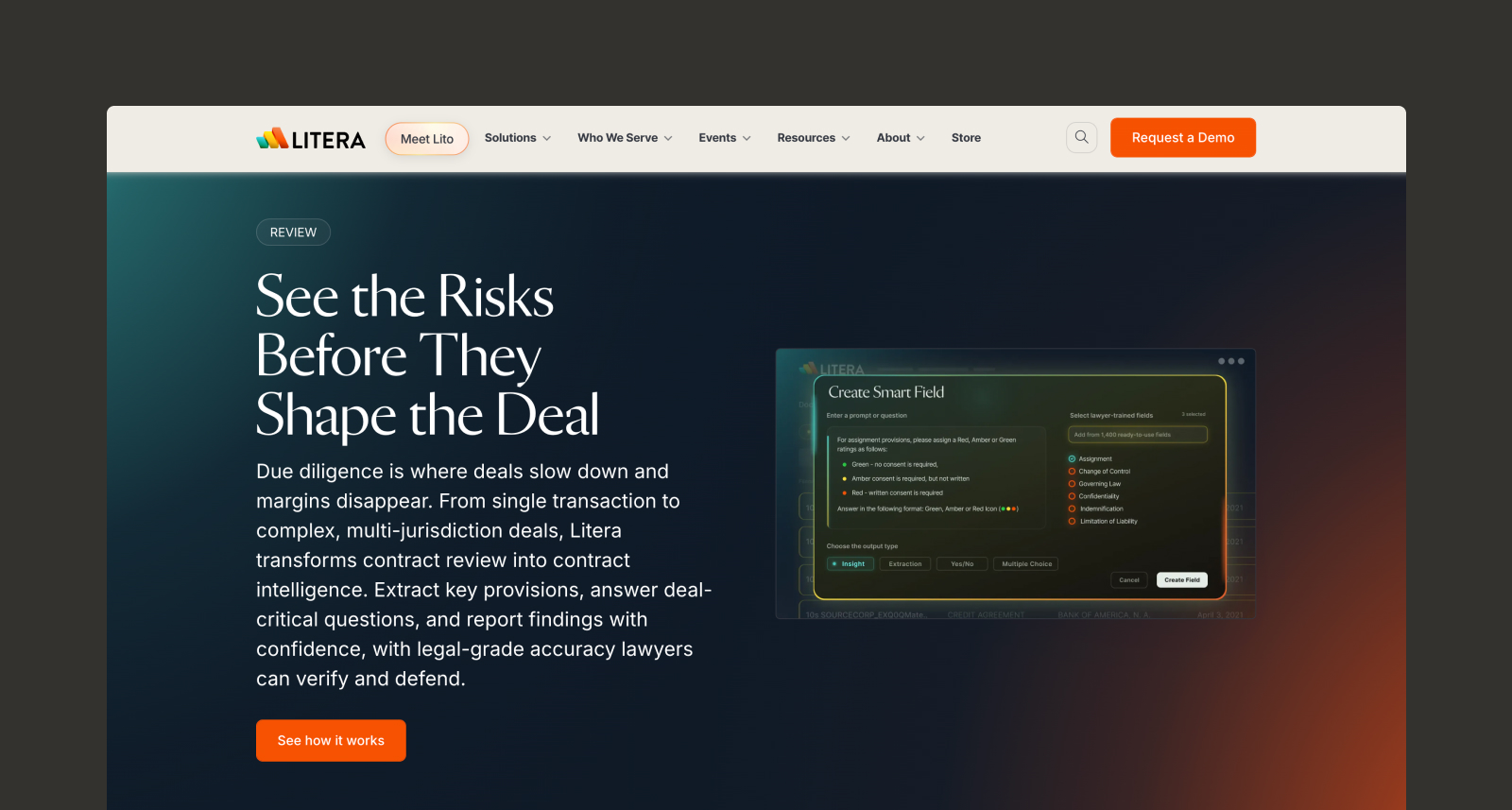
Kira is among the most well-known AI tools for legal document analysis. It lets teams extract source-linked clauses, provisions, and answers from contracts using over 1,400 smart fields. Reviews run in an analysis grid, where users can get answers to natural-language questions from Grid Chat.
While Kira offers a strong set of document analysis features, it only automates contract review for legal matters. For instance, a mergers and acquisitions (M&A) team using Kira would still need separate tools to analyze any financial documents accompanying a contract.
Key features:
- Clause identification: Extracts and analyzes clauses from legal contracts.
- Highlighted citations: Links each insight to a clickable citation that highlights exactly where it was pulled from.
- Multi-file analysis: Allows users to upload, summarize, and compare multiple documents at once to quickly surface key insights, risks, and opportunities.
5. AskYourPDF

Best for: Quick answers
Professionals looking for quick answers and basic analysis from simple documents will find those features in AskYourPDF. Users can upload multiple documents at once into a chat interface and ask targeted queries to pull granular takeaways, find patterns across multiple documents, generate summaries, and more.
AskYourPDF also includes an AI form filler that completes any PDF form, fillable or non-fillable, by pulling data from a source document you provide. It maps that information into the right fields automatically.
Key features:
- Document summarization: Concisely summarizes large documents with key points.
- Multi-file analysis: Lets users upload multiple files to quickly identify trends and patterns across each.
- Form filling: Auto-fills PDF forms using data pulled from supporting documents, turning manual paperwork into document-to-document extraction.
6. Adobe Acrobat AI Assistant
Best for: Collaborative document analysis
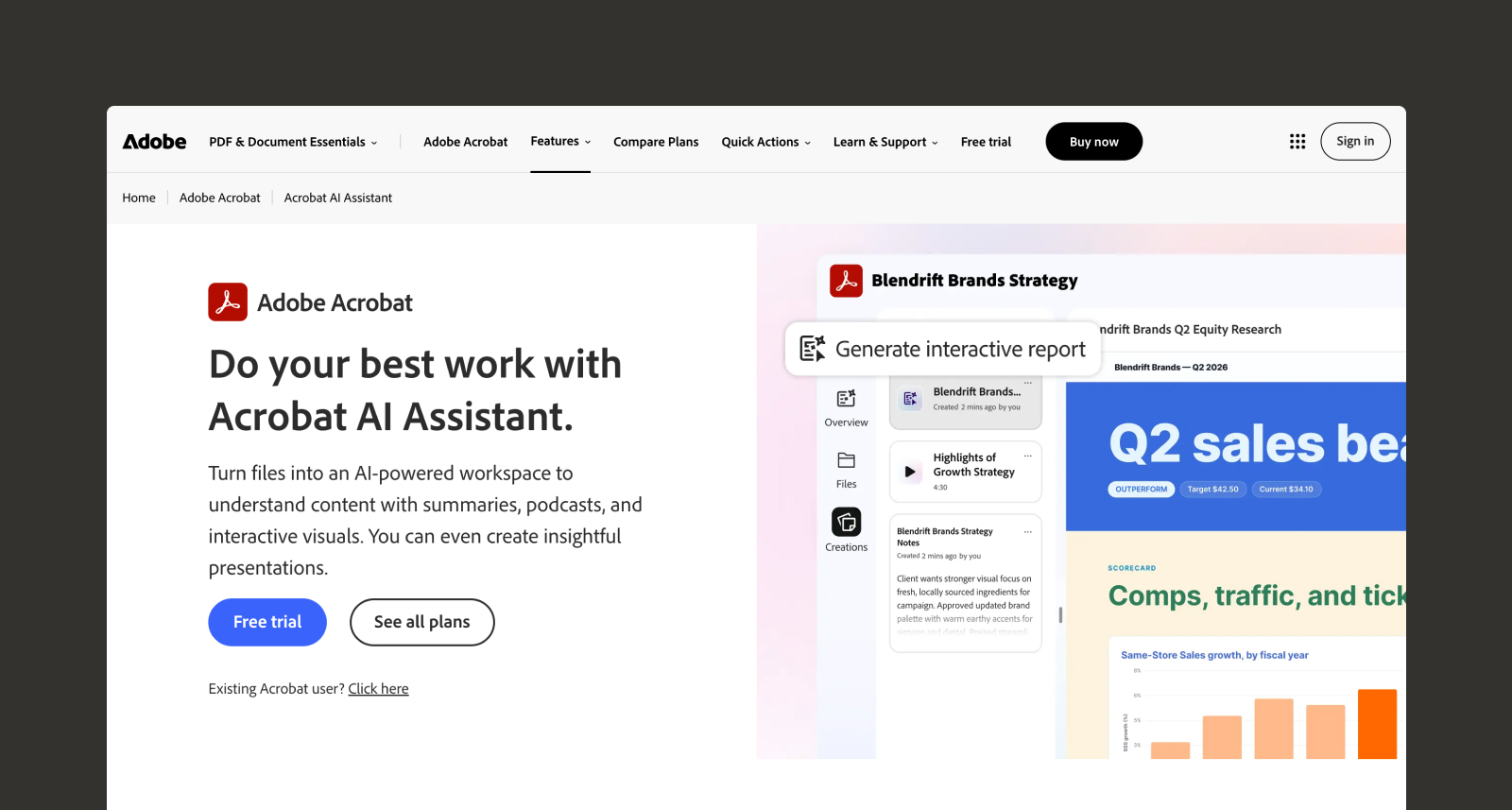
Integrated for paying subscribers, Adobe Acrobat AI Assistant is a customizable chatbot built directly into Adobe Acrobat that lets users summarize or analyze individual documents or sets of up to 100 documents through PDF Spaces.
Users can also share their own PDF Spaces with other people on their team, creating a collaborative space for AI document analysis that enables quick alignment on insights, notes, and other important takeaways.
Key features:
- Enterprise-grade security: Doesn’t use any of your data to train its LLMs, encrypts data at rest and in transit, and provides admins with role-based access controls (RBAC).
- Multi-file processing: Can process up to 100 documents at once, allowing users to surface citation-linked insights across different data sources simultaneously.
- Prompt templates: Provides pre-built prompt templates made to help users find specific information, conduct different types of analyses, or generate new content.
7. Azure AI Document Intelligence
Best for: Enterprise document processing
Azure Document Intelligence in Foundry Tools is an AI-powered document processing solution that helps teams quickly extract information from massive volumes of data. It uses pre-trained models to extract data from specific document formats, including financial documents (such as bank statements and invoices), tax forms, contracts, and personal identification documents.
Pairing it with other Microsoft tools can unlock additional features and functionality. For example, integrating it with Azure OpenAI lets users go beyond data extraction with a prompt-based chat interface for natural language-based analysis and content generation.
Key features:
- Enterprise-grade security: Comes with Azure’s world-class security and compliance features embedded.
- Flexible deployment options: Features Read and Layout models that can run in containers on your own infrastructure, with additional models supported on earlier container versions.
- Specialized data extraction: Features AI models pre-trained to extract information from extremely specific document types.
8. ABBYY FineReader
Best for: Optical character recognition
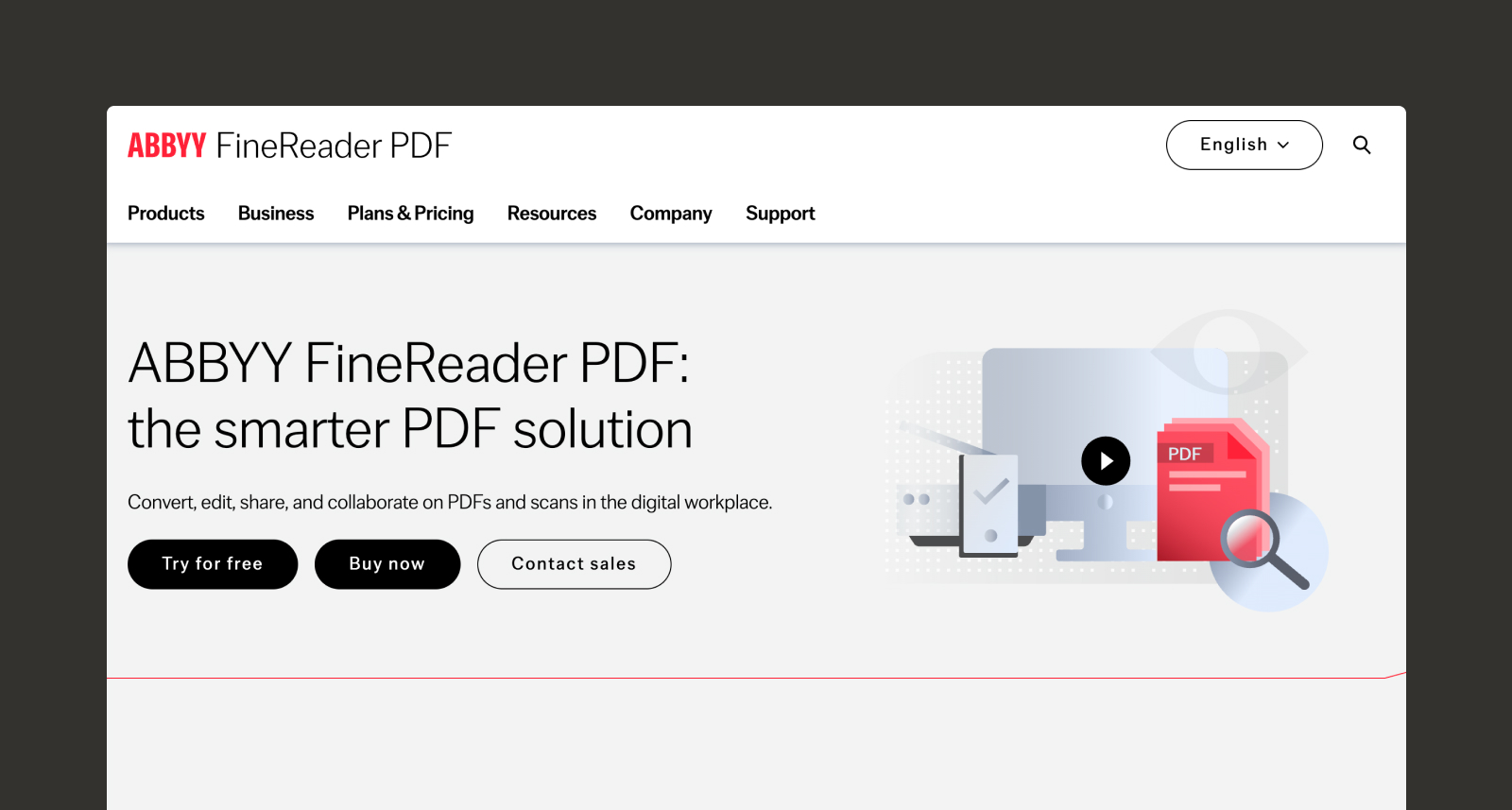
Optical character recognition (OCR) technology drives ABBYY’s FineReader AI document review and processing platform. FineReader lets users convert image-only PDFs into searchable and editable text files, compare two documents (even in different formats) to quickly identify differences, retrieve information through keyword searches, and more.
It's helpful for digitizing large volumes of scanned documents, such as invoices and patient intake forms, and converting their tables and text into editable formats. However, it offers very limited capabilities for advanced analysis, with no interface for prompt-based queries, no ability for complex reasoning, and a lack of multi-document analysis beyond basic comparison.
Key features:
- Broad language support: Can recognize text in 198 different languages.
- Data extraction: Lets users quickly extract and move text, pages, tables, and other PDF elements while retaining all data, links, and formatting.
- Image-to-text rendering: Lets users convert scanned documents and image files into editable, searchable PDF files.
9. Anara
Best for: Scientific and academic research
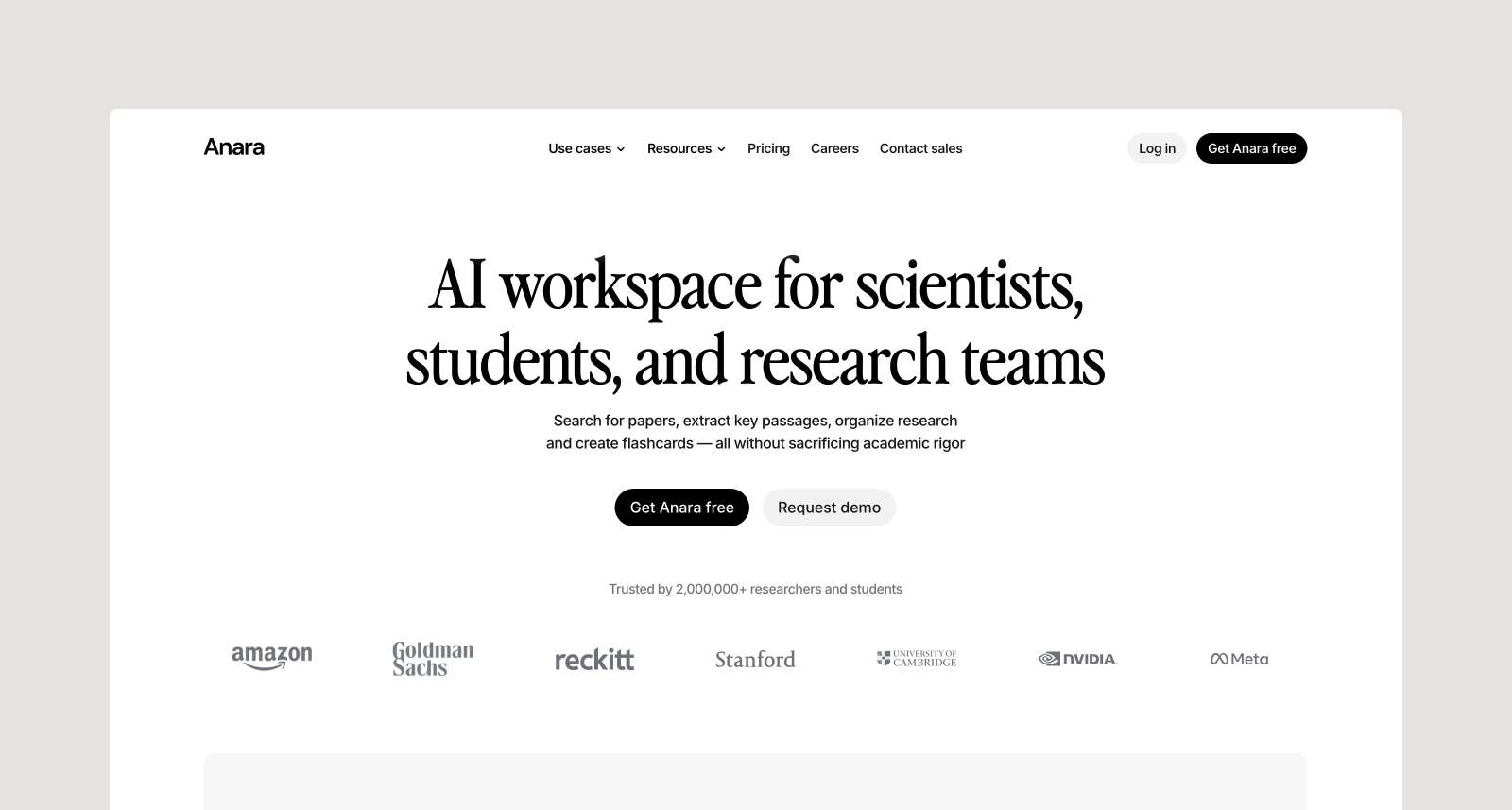
Anara is a document review AI tool designed for science and academia, with strong applications for business teams with intensive analysis workflows and rigorous auditing needs. It provides access to AI agents that can extract and analyze data from multiple file types, academic databases, and online sources, with each takeaway linked to its corresponding source.
It has a wide range of potential applications in industries that rely heavily on academic and scientific research. However, users with other specialized needs (e.g., finance professionals or marketers) may find other platforms better tailored to their specific workflows.
Key features:
- Agentic workflow automation: Deploys AI document automation agents for various parts of research workflows, including search execution and citation generation.
- Highlighted citations: Links each insight to a clickable in-line citation that highlights exactly where it was pulled from.
- Various LLM integrations: Users can pick from a variety of LLMs to execute tasks, including GPT, Gemini, Claude, and Grok models.
10: Google Cloud Document AI
Best for: Custom extraction pipelines
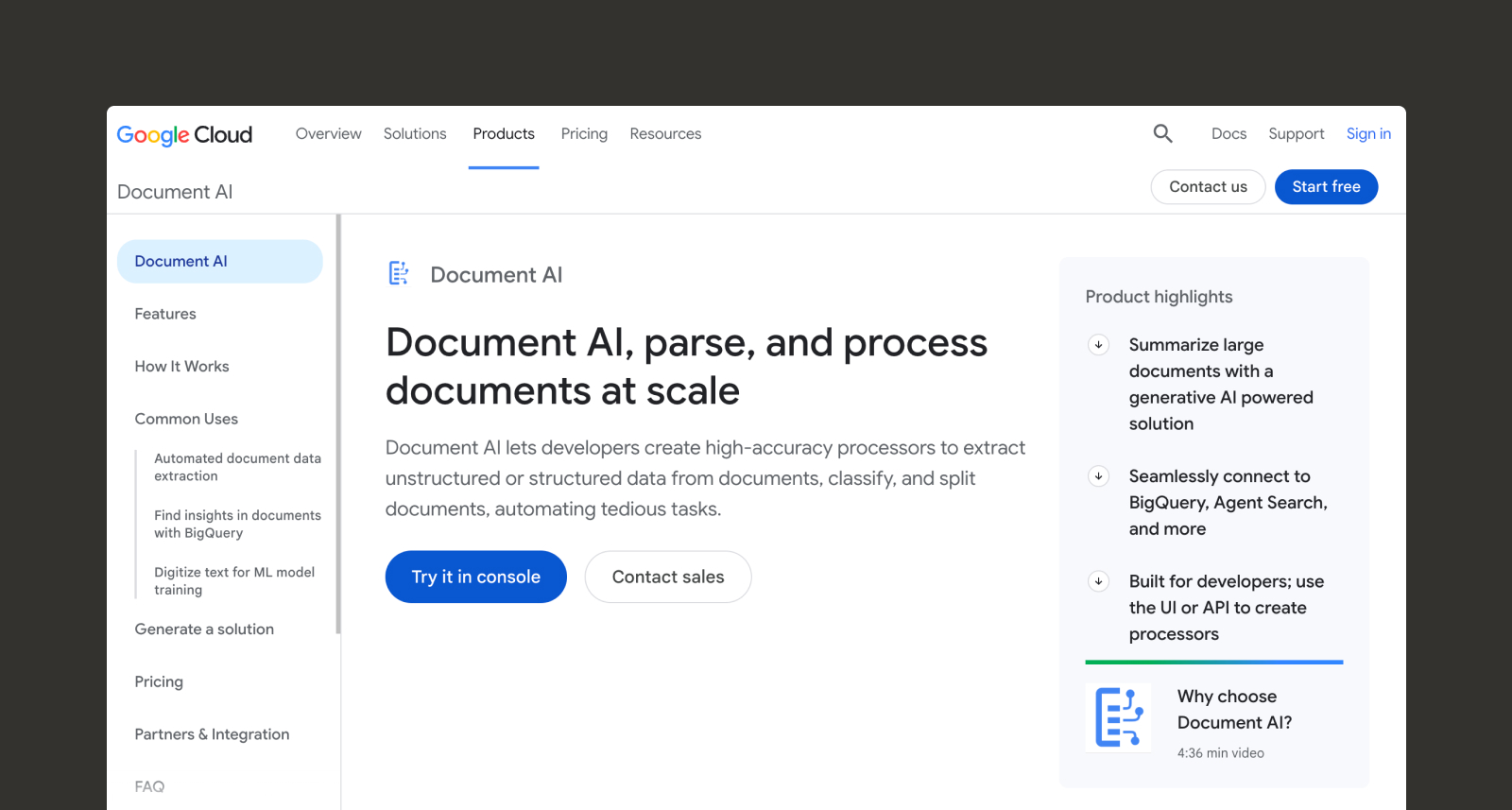
Developers can use Google Cloud Document AI to build processors that extract data from documents, then classify and split them. Its custom extractor works out of the box across a wide range of documents. Teams can push accuracy higher by supplying as few as 10 documents to fine-tune the model, through either the console or an application programming interface (API) call.
Google Cloud Document AI can separate and analyze various types of documents relevant to your busines. A custom splitter breaks composite files into their component documents, and a custom classifier sorts documents by type using few-shot learning. However, teams that want to use this tool will need developers to integrate it into existing applications.
Key features:
- Custom extractor: Handles model selection and chunking behind the scenes, with no dataset labeling required.
- AI document classification and splitting: Identifies each logical document inside a composite file, such as a mortgage package containing an application, income verification, and photo identification.
- BigQuery integration: Extracts document metadata directly into a BigQuery objects table, so parsed content can join with other structured data for analysis.
Hebbia Redefines Financial Document Analysis
Investment decisions depend on hundreds to thousands of financial documents, and the full picture sits across data rooms, internal files, and market data. Finding the right documents and understanding their data is slow work.
Hebbia has spent six years building AI document analysis that pulls it all together, processing over a billion pages of financial documents. Matrix reads across document sets at once and lays the answers out in a grid your team can check cell by cell. Max answers quick questions and builds first drafts of models, decks, and memos, showing which line each number came from. The API and MCP server carry the same context into the stack your firm already runs.
Schedule a demo to experience how Hebbia analyzes data with the rigor financial institutions need to compete.


