
8 Best Financial Modeling Software Options for Faster, More Accurate Forecasting
Financial modeling software has become a core part of how finance teams evaluate opportunities and make decisions. Modern platforms now pull data from multiple sources, and support faster scenario analysis—ultimately helping teams reach sharper valuations and make decisions grounded in logic. With 63% of finance professionals saving more than 6 hours per week using AI, the right tool can tighten controls, improve transparency, and help teams move from raw information to clearer, more defensible outputs.
In this guide, we’ll break down eight of the most capable financial modeling tools available today, from specialized AI platforms like Hebbia to other Excel-based solutions. Each one takes a unique approach to improving accuracy, collaboration, and decision-making in financial analysis.
What Is Financial Modeling Software?
Financial modeling software helps investors and finance teams consolidate scattered financial information into a clear picture of what a company is worth and its potential future performance. Instead of manually piecing together data from filings, virtual data rooms, and market sources, these tools pull key numbers into one place and organize them into a structured format that teams can update as new information comes in.
For banking and investing workflows, the software is used to test different “what-if” scenarios, see how changes in revenue, costs, or debt affect returns, and compare one opportunity against another. It gives teams a predictive edge by providing a faster, more reliable way to transition from raw inputs to a valuation they can use in diligence, deal screening, and investment decisions.
Even with these tools, human judgment remains essential—team members still interpret the results, refine assumptions, and decide what the numbers actually mean for a deal.
How Does Financial Modeling Software Empower Investment Professionals?
Financial modeling software gives finance teams more control and precision over their work. It minimizes time spent on data handling and manual updates, so they can focus on interpreting results and uncovering insights that create a competitive advantage.
- Automates data entry: Syncs with live data feeds to keep company financials and market data current and verifiable.
- Speeds up model building and updates: Generates structured, consistent models that evolve dynamically as assumptions change.
- Reduces human error in calculations: Keeps formulas and logic consistent, so nothing breaks when teams add new scenarios or adjust inputs.
- Enables deeper, data-driven analysis: Makes it easier to compare cases side-by-side, see how changes affect returns, and understand which factors have the biggest impact on value.
Top 8 Financial Modeling Software at a Glance
Tool | Best For | Key Features |
|---|---|---|
Hebbia | AI-powered, institutional-scale financial analysis | - Multi-source integration - AI-powered citations - Excel-native output - Templatized modeling - Enterprise-grade security |
ShortcutAI | AI-assisted Excel modeling and spreadsheet automation | - Native Excel plug-in - Formula-driven automation - Contextual task execution - Traceable changes |
Lucanet xP&A | Financial strategy for mid-market and enterprise finance teams | - Connected reporting - Scenario planning - Human-readable formulas - Collaborative dashboards |
Finmark | Founders, startups, and mid-sized businesses building financial plans | - Real-time data and analysis - Centralized budgeting and forecasting - Scenario and hiring planning - Fundraising support |
Mosaic | Strategic finance teams analyzing growth and performance metrics | - Dynamic financial modeling and scenario planning - Real-time data integration - Advanced driver-based forecasting |
Macabaus | Standardizing modeling and presentation workflows in Microsoft Office | - Model Check - Deck Check - Excel-to-PowerPoint linking |
Jedox | Connecting financial and operational key performance indicators (KPIs) | - Integrated financial planning - JedoxAI forecasting - Excel add-in and web access |
Quantrix | Multi-dimensional financial models | - Multi-dimensional modeling engine - Natural language formulas - Always-on pivoting - Category linking |
1. Hebbia
Best for: AI-powered, institutional-scale financial analysis
Hebbia is built to handle the document-heavy groundwork behind financial modeling. Instead of replacing Excel, it strengthens the inputs that feed into it. It reads full U.S. Securities and Exchange Commission (SEC) filings, contracts, virtual data rooms (VDR), presentations, and internal materials, then extracts the metrics, disclosures, and assumptions with direct citations to the source.
Hebbia exports these outputs directly into Excel, allowing teams to build discounted cash flow models, comparable company analysis, or leveraged buyout models with verified historical data and driver-level assumptions.
It connects your team's expertise, institutional knowledge, and real-time market data to uncover better opportunities. The result is a modeling workflow anchored in cleaner data, clearer logic, and outputs that hold up under diligence and review—without the manual document work that traditionally slows you down.
Key features:
- Multi-source integration: Hebbia connects to every data stream financial professionals rely on, including FactSet, SEC filings, VDRs, and CRMs. By reading full documents instead of summaries, it fully indexes real-time market data alongside your internal files.
- AI-powered citations: Hebbia extracts key model inputs such as growth rates, margins, customer counts, and unit economics directly from filings, decks, contracts, and call notes. Each input is linked to its original source sentence or table using proprietary Iterative Source Decomposition (ISD) architecture, so analysts can validate and override assumptions before exporting into Excel models.
- Excel-native output: Hebbia generates real Excel models with formulas, references, and structure already built. Teams can open the file in Excel, stress-test cases, adjust logic, and integrate the model into existing workflows without reformatting or rebuilding tabs.
- Templatized modeling: Hebbia uses your organization's modeling standards, so every model has the same layout, logic flow, tabs, and color rules. If your team uses a preferred leveraged buyout (LBO), discounted cash flow (DCF), or operating model template, Hebbia builds directly into that, so nothing feels unfamiliar when someone else opens the file.
- Enterprise-grade security: Hebbia protects sensitive deals and financial data with zero-data retention (ZDR), meaning the system never stores your documents, queries, or outputs after the session ends. Nothing is saved, logged, or used to train models—your data stays entirely within your environment.
Turn document chaos into defensible models and deal-ready insights.
2. ShortcutAI
Best for: AI-assisted Excel modeling and spreadsheet automation
ShortcutAI adds AI capabilities directly into Excel so users can automate modeling tasks without switching platforms. Its plug-in runs inside Microsoft Excel, allowing you to build models, write formulas, and perform analyses through simple prompts.
Because ShortcutAI operates entirely within Excel, it prioritizes convenience and familiarity over comprehensive workflow coverage or advanced security controls.
Key features:
- Native Excel plug-in: Adds AI capabilities directly to Microsoft Excel.
- Formula-driven automation: Builds and updates formulas dynamically based on user input.
- Contextual task execution: Creates pro forma models, performs analyses, and generates cash flow forecasts through natural language commands.
- Traceable changes: Keeps version history and formula transparency to maintain accuracy.
3. Lucanet xP&A
Best for: Financial planning and forecasting for SaaS and startup finance teams
Lucanet xP&A is built for finance leaders who want to centralize their company’s reporting, budgeting, and forecasting in one collaborative workspace. It connects directly to tools like QuickBooks, Xero, and Salesforce to pull live financial data, then uses AI to generate clean models, dashboards, and scenario plans.
The interface is designed for operators but can also be used by finance teams to manage annual recurring revenue and headcount forecasts.
Key features:
- Connected reporting: Pulls live data from accounting systems, human resources information systems (HRIS), customer relationship management software (CRMs), and data warehouses.
- Scenario planning: Lets teams spin up and compare new budget or forecast scenarios in one click.
- Human-readable formulas: Uses plain-language syntax instead of Excel-style references for easier collaboration.
- Collaborative dashboards: Enables real-time sharing, editing, and commenting across finance and leadership teams.
4. Finmark
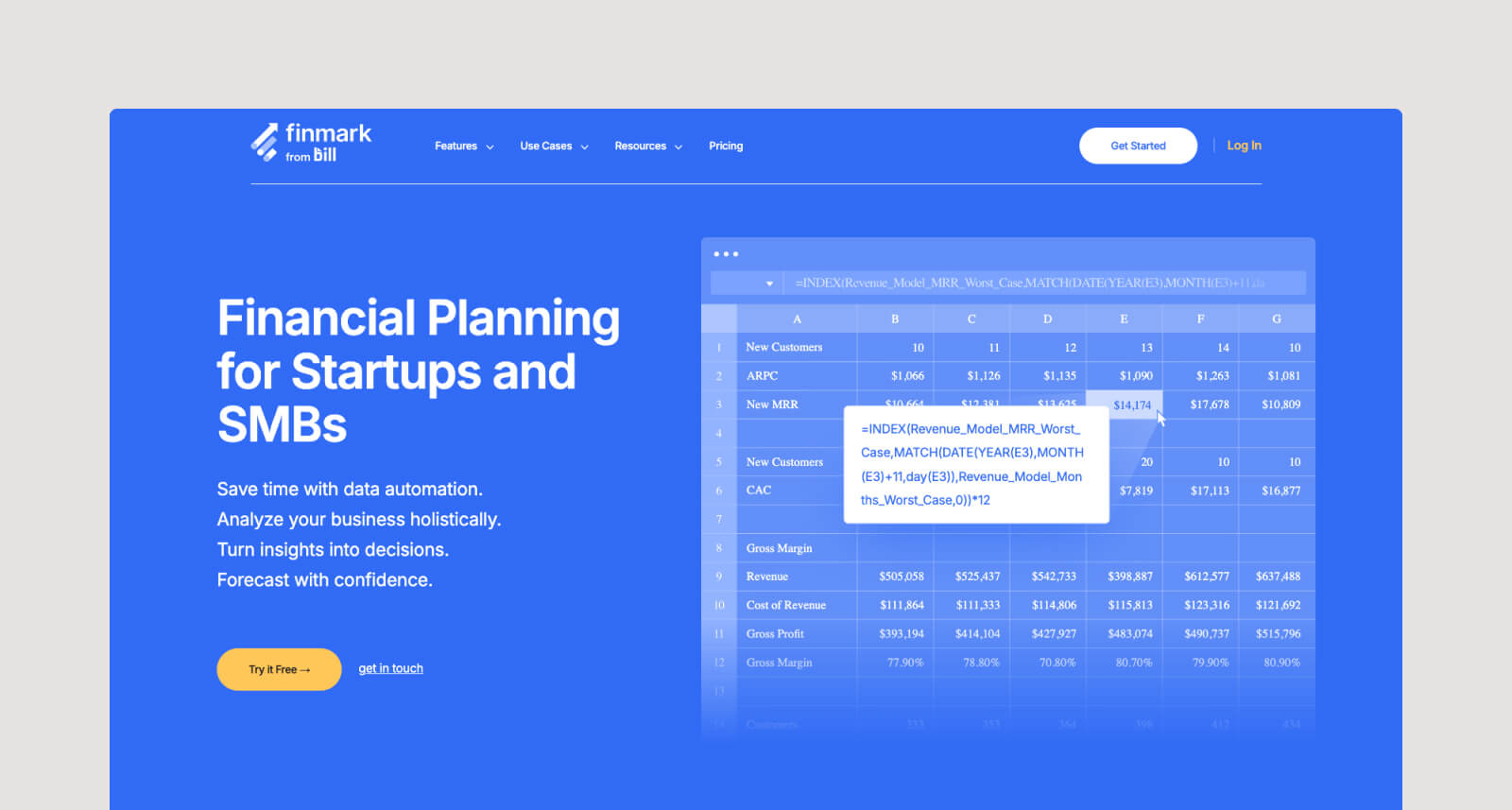
Best for: Founders, startups, and mid-sized businesses building financial plans
Finmark simplifies financial planning and forecasting for growing companies that want visibility into their numbers without the pain of manual spreadsheets. It connects directly to accounting, payroll, and CRM systems to centralize budgets, forecasts, and cash flow in one place.
Finance teams can track metrics such as runway, burn rate, and revenue in real time. Meanwhile, founders can test scenarios and plan fundraising with reliable, automatically calculated data.
Finmark relies on structured system integrations (accounting, payroll, CRM). It can’t read filings, VDRs, call notes, CIMs, decks, or unstructured deal documents—which means it can’t support real diligence, valuation work, or deal modeling.
Key features:
- Real-time data and analysis: Syncs live data across systems to keep financial models and dashboards up to date.
- Centralized budgeting and forecasting: Combines budgets, actuals, and forecasts in one workspace.
- Scenario and hiring planning: Lets users model headcount growth and test multiple business outcomes with a few clicks.
- Fundraising support: Tracks metrics investors care about—like runway, burn rate, and annual recurring revenue (ARR)—with clean, investor-ready visuals.
5. Mosaic
Best for: Strategic finance teams analyzing growth and performance metrics
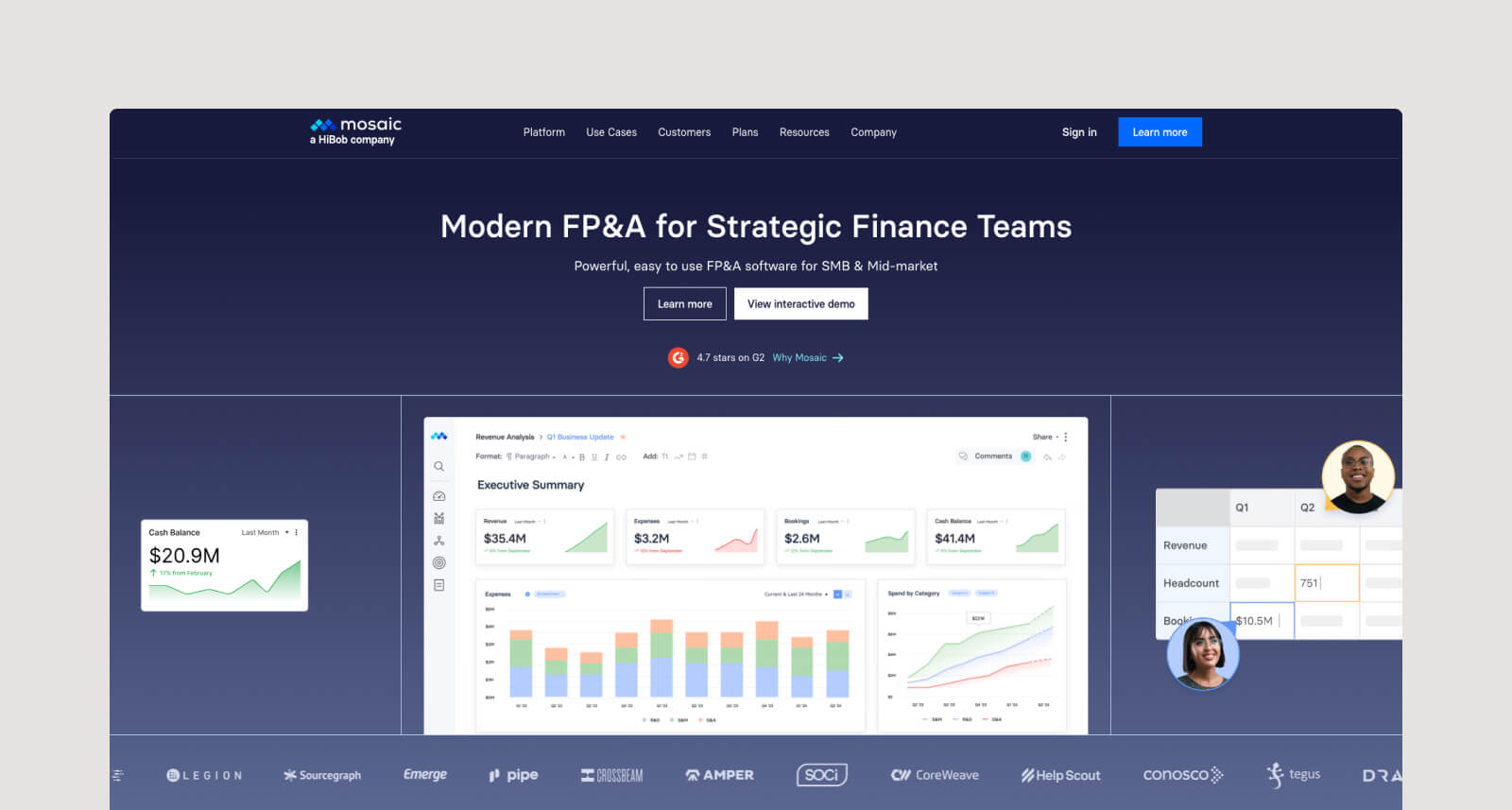
Mosaic is designed to replace fragmented spreadsheets with a unified, data-driven environment. It pulls together accounting, workforce, customer, and operational data so finance teams can build rigorous forecasts and “what-if” scenarios, collaborate across departments, and focus on decision-making rather than number-crunching.
However, Mosaic is primarily a financial planning and analysis (FP&A) platform, not a deep modeling tool. It’s well-suited for SaaS planning, headcount forecasting, and budget management, but it isn’t designed for the more granular analysis required in investment banking, private equity, or credit workflows.
Key features:
- Dynamic financial modeling and scenario planning: Builds forecasts with flexible drivers (e.g., headcount, renewals, vendor spend) and compares unlimited upside/downside cases in real time.
- Real-time data integration: Connects to enterprise resource planning (ERP) systems, CRMs, HRIS, and other systems to keep models and reports up to date and reflect up-to-the-minute inputs.
- Advanced driver-based forecasting: Models growth, costs, cash flow, and operational levers in one system, replacing fragmented spreadsheets.
6. Macabacus
Best for: Standardizing modeling and presentation workflows in Microsoft Office
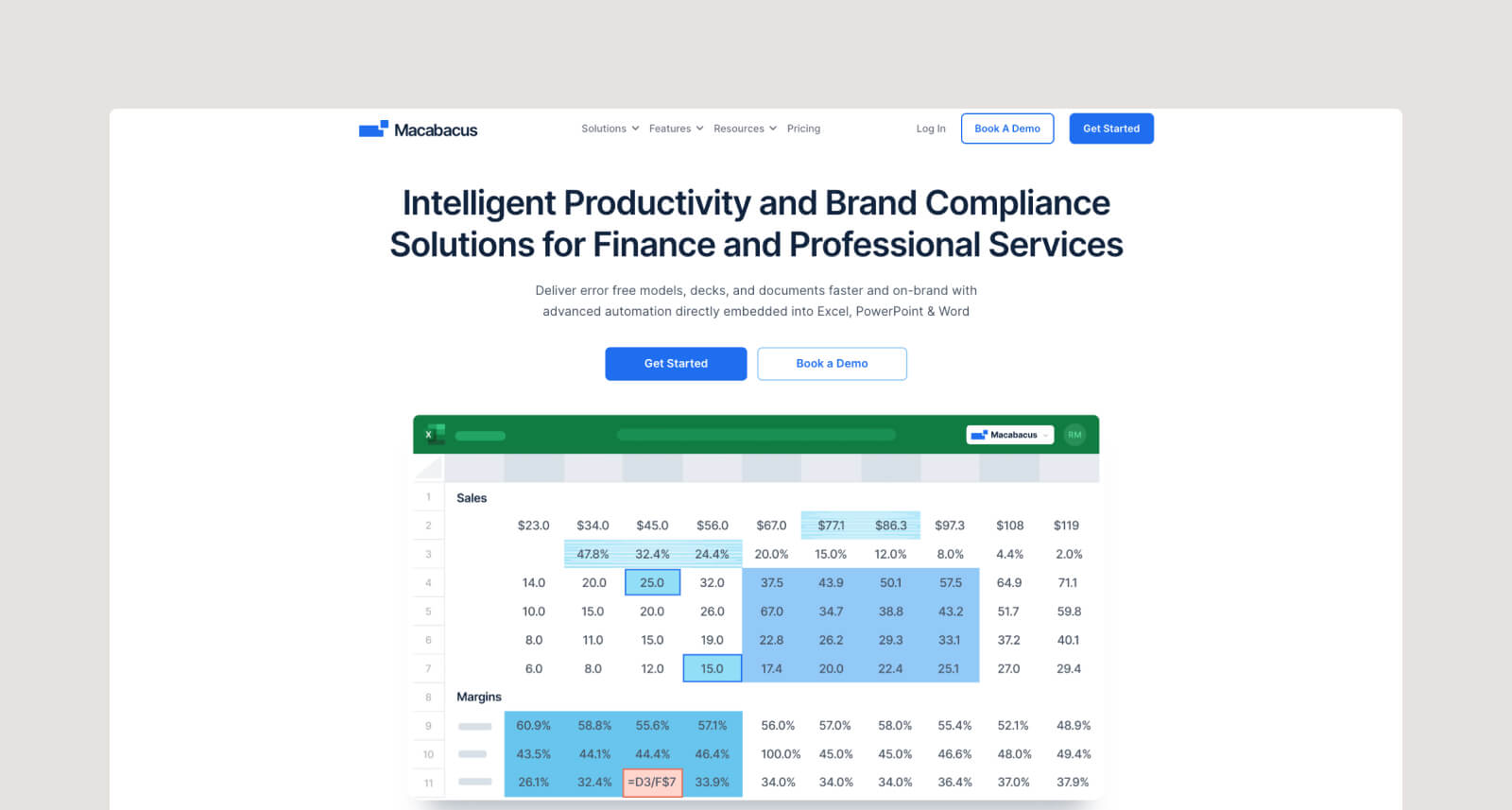
Macabacus is a productivity and brand-compliance suite built for finance and professional services teams that work in Microsoft 365. It embeds directly into Excel, PowerPoint, and Word to help finance professionals produce accurate, on-brand models, decks, and documents. Within the same Office environment, teams can audit models, link data across files, and format presentations without relying on separate add-ons or manual templates.
Because Macabacus operates entirely within the Microsoft ecosystem, its functionality is strongest for teams already standardized on Excel and PowerPoint, but less flexible for organizations using mixed or non-Microsoft tooling.
Key features:
- Model Check: Runs 50+ automated checks to detect broken links, formula risks, and hidden errors in Excel.
- Deck Check: Proofs PowerPoint presentations for typos, inconsistencies, and formatting issues in seconds.
- Excel-to-PowerPoint linking: Keeps data live between models and slides, eliminating broken links or manual updates.
7. Jedox

Best for: Connecting financial and operational KPIs
Jedox is an enterprise performance management platform that combines planning, forecasting, consolidation, and reporting into a single system. It helps finance teams connect financial and operational data to create a single, consistent view of performance. With JedoxAI, you can generate forecasts, detect patterns, and analyze data with explainable outputs that support decision-making.
For modeling, Jedox supports profit and loss, balance sheet, and cash flow projections, and integrates directly with ERP, CRM, and HR platforms. Finance teams can work through its Excel add-in or web interface, using templates and drag-and-drop dashboards to build and adjust models.
Key features:
- Integrated financial planning: Combines strategic, financial, and operational data for unified forecasting.
- JedoxAI forecasting: Delivers explainable predictions and driver-level insights.
- Excel add-in and web access: Supports modeling in both spreadsheet and browser-based environments.
8. Quantrix
Best for: Multi-dimensional financial models
Quantrix is a modeling platform designed to address some of the limitations of traditional spreadsheets. Instead of relying on cell-by-cell formulas, it uses a multidimensional calculation framework that allows users to build and adjust models without manually updating large ranges or dependencies.
A key limitation is that Quantrix operates outside the standard Excel workflow most finance teams rely on. This could make adoption more challenging for organizations that need tight compatibility with existing spreadsheets or established Excel-based processes.
Key features:
- Multi-dimensional modeling engine: Calculates data points across models without the performance drag of spreadsheets.
- Natural language formulas: Uses readable syntax instead of cell references for easier maintenance and fewer errors.
- Always-on pivoting: Lets users explore data from multiple perspectives without rewriting logic or formulas.
- Category linking: Keeps structures like products, regions, or scenarios synchronized across models.
Features To Look for When Choosing Financial Modeling Software
The right platform helps you build defensible models, verify assumptions, and protect sensitive information through safeguards like zero-data retention and encrypted environments. Here are some core features that matter most.
- Automatic extraction from document sources: This extracts figures directly from filings, contracts, research, and other materials, eliminating the need for manual data entry. It reduces errors and ensures every input reflects the original source.
- Full auditability and transparency of inputs and logic: Models should show exactly where numbers came from and how calculations were made. Clear logic paths and citations make reviews easier and help teams defend their assumptions.
- Zero-data retention: Tools handling sensitive financial information should avoid storing customer data altogether. ZDR reduces compliance risk and keeps proprietary documents fully under your control.
- Ability to process private documents at scale: Look for platforms that go beyond generic process automation and have the capability to uncover actionable, proprietary insights by parsing large volumes of complex, unstructured information.
Why Hebbia Stands Out for Financial Modeling
If you’re spending too much time gathering inputs instead of analyzing them, Hebbia fixes that. It structures data from filings and private documents, ties every number to its source, and gets you to a defendable model fast.
With 5+ years of focused development, Hebbia is the largest and most trusted AI provider in finance today, built from the ground up to meet the real-world needs of investment banks, asset managers, and private equity firms. Book a demo today to see how Hebbia elevates financial modeling and helps you uncover competitive edge where others see noise.


