
10 Best AI Tools for Financial Analysis
AI adoption in finance is moving fast, and with 93% of professionals now using or evaluating these tools, the race for an edge is on. But off-the-shelf AI won't cut it when you're managing billions in capital. You need a platform built for the uncompromising accuracy and scale of institutional finance.
The right AI tool for financial analysis compresses diligence cycles, turning the chaos of massive data rooms into structured, actionable intelligence. This shifts your focus back to what actually drives returns, empowering you to spot the signals your competitors miss to drive outperformance and win mandates.
To help you build that advantage, we’ve broken down 10 of the best tools built specifically for high-stakes financial analysis.
Best AI Tools for Financial Analysis at a Glance
Here is a quick breakdown of how the leading software solutions compare.
Name | Best for | Key features | Primary user |
|---|---|---|---|
Hebbia | Institutional-scale financial analysis, diligence, and client-facing document creation | - Deep document understanding at scale - Custom agentic workflows - Shared institutional memory - Transparency and citations - Automated financial models and presentations -Enterprise-grade security | Investors and investment bankers |
Kensho | Data-driven forecasting | - Event impact analysis - Macro scenario modeling - S&P Global data integration | Investors and investment bankers |
OpenAI (ChatGPT) | General financial research (Data interpretation, document review, market summaries, etc.) | - Conversational AI - Advanced data analysis - Custom GPTs | Investors and investment bankers |
Capix | Deal sourcing intelligence | - Target screening - Buyer-seller matching - Transaction comps - Private company insights | Investors and investment bankers |
Anthropic (Claude) | Secure document synthesis | - Large-context processing - Enterprise-grade security and privacy - Structured output generation - Productivity integrations | Investors and investment bankers |
Bloomberg | Real-time data | - Terminal integration - Real-time news feeds - Market analytics - Counterparty communication | Investors and investment bankers |
Anaplan | Dynamic financial planning | - Connected planning models - Scenario analysis - Real-time collaboration - Custom workflow automation | In-house corporate finance teams |
StackAI | Workflow automation | - No-code pipeline builder - API connections - Custom agent deployment - Security and compliance | Financial systems and automation teams |
FactSet Intelligence | Investment research and management automation | - AI-driven, real-time alerts - Simplified portfolio and research management - AI transcript summarization | Investors and investment bankers |
Koyfin | Data visualization and reporting | - Automatically generated reports - Template-based graphing - Customizable dashboards for financial analysis | Portfolio managers and equity research analysts |
1. Hebbia
Best for: Institutional-scale financial analysis, diligence, and client-facing document creation
User: Investors and investment bankers
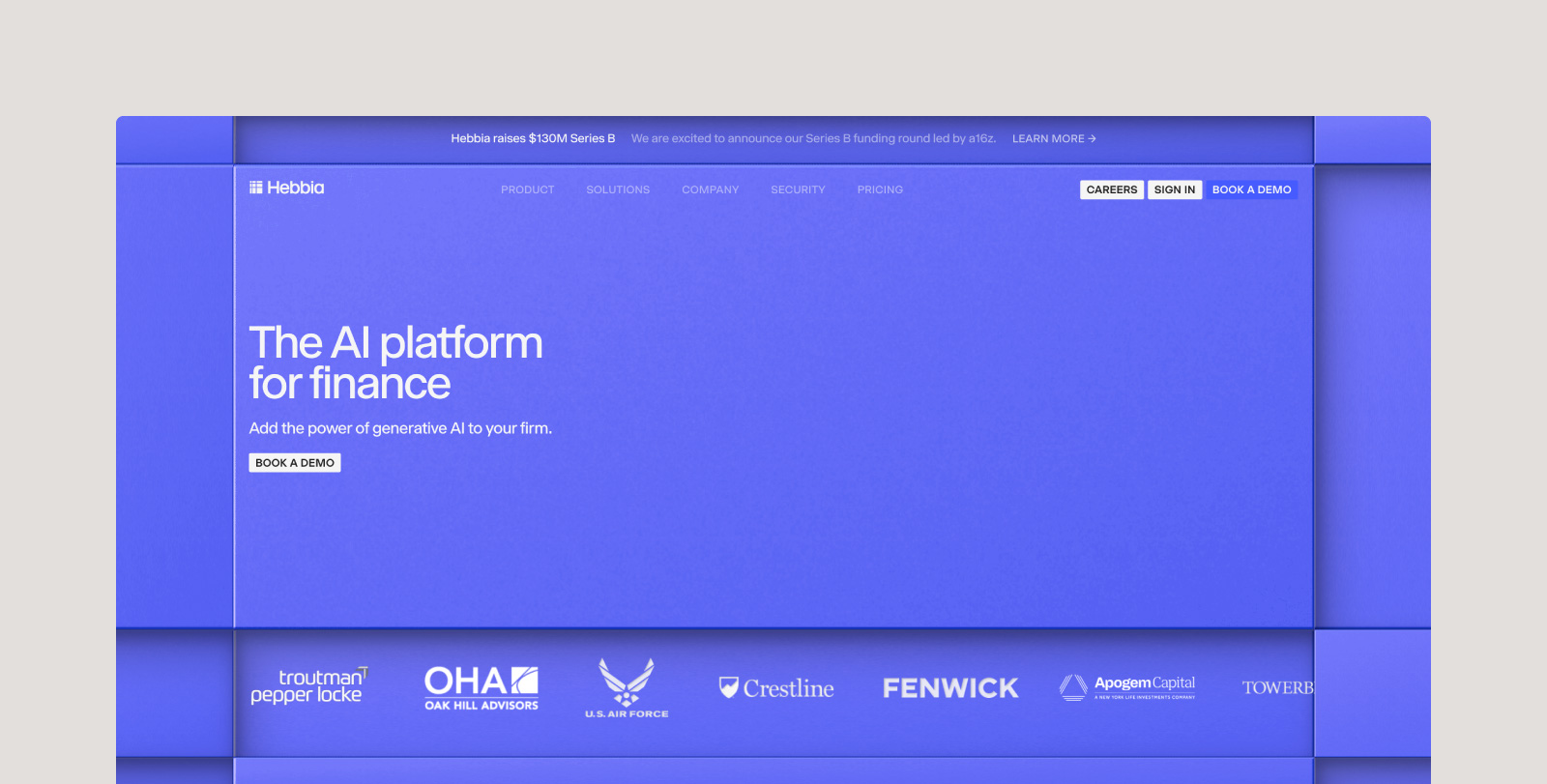
Hebbia is an AI platform built for the world's leading institutional investors and bankers. By turning data, workflows, and expertise into a shared intelligence system, the platform drives faster decisions, deeper analysis, and a compounding competitive advantage across the organization.
This efficiency is measurable: 63% of finance professionals save over six hours per week with AI tools like Hebbia, and 27% save more than 10 hours per week on research alone.
Matrix, Hebbia’s multi-agent architecture, executes complex research in parallel using proprietary Iterative Source Decomposition (ISD) to break queries into verifiable steps with precise, inline citations. By connecting directly to SharePoint, Excel and the Office suite, FactSet, and internal CRMs, it indexes a firm's entire proprietary history. This allows teams to instantly pull from past knowledge and generate perfectly formatted, client-ready outputs without ever having to start from scratch.
Key features:
- Deep document understanding at scale: Hebbia turns the chaos of filings, transcripts, and virtual data rooms into structured intelligence. By analyzing all loaded materials simultaneously with an extended context window, the platform ensures highly accurate, context-aware outputs.
- Custom agentic workflows: A multi-agent architecture orchestrates AI models in parallel to handle complex financial reasoning. It encodes your firm's exact processes to automate entire end-to-end pipelines rather than just answering one-off questions.
- Shared institutional memory: The platform transforms isolated insights into a firm-wide intelligence source, allowing teams to instantly search, analyze, and pull from past deal knowledge.
- Transparency and citations: Proprietary ISD technology ensures every output includes step-by-step reasoning and precise, inline source citations, guaranteeing fully auditable and defensible results for high-stakes decisions.
- Automated financial models and presentations: Unstructured text is instantly converted into models, comparison tables, and perfectly formatted outputs. With Flash Docs integration, teams can generate fully branded pitch decks to streamline analysis and eliminate tedious review cycles.
- Enterprise-grade security: Built for scale with enterprise reliability, the platform features zero data retention (ZDR), encryption in transit and at rest, and isolated data environments that meet the strictest institutional security standards.
2. Kensho
Best for: Data-driven forecasting
User: Investors and investment bankers
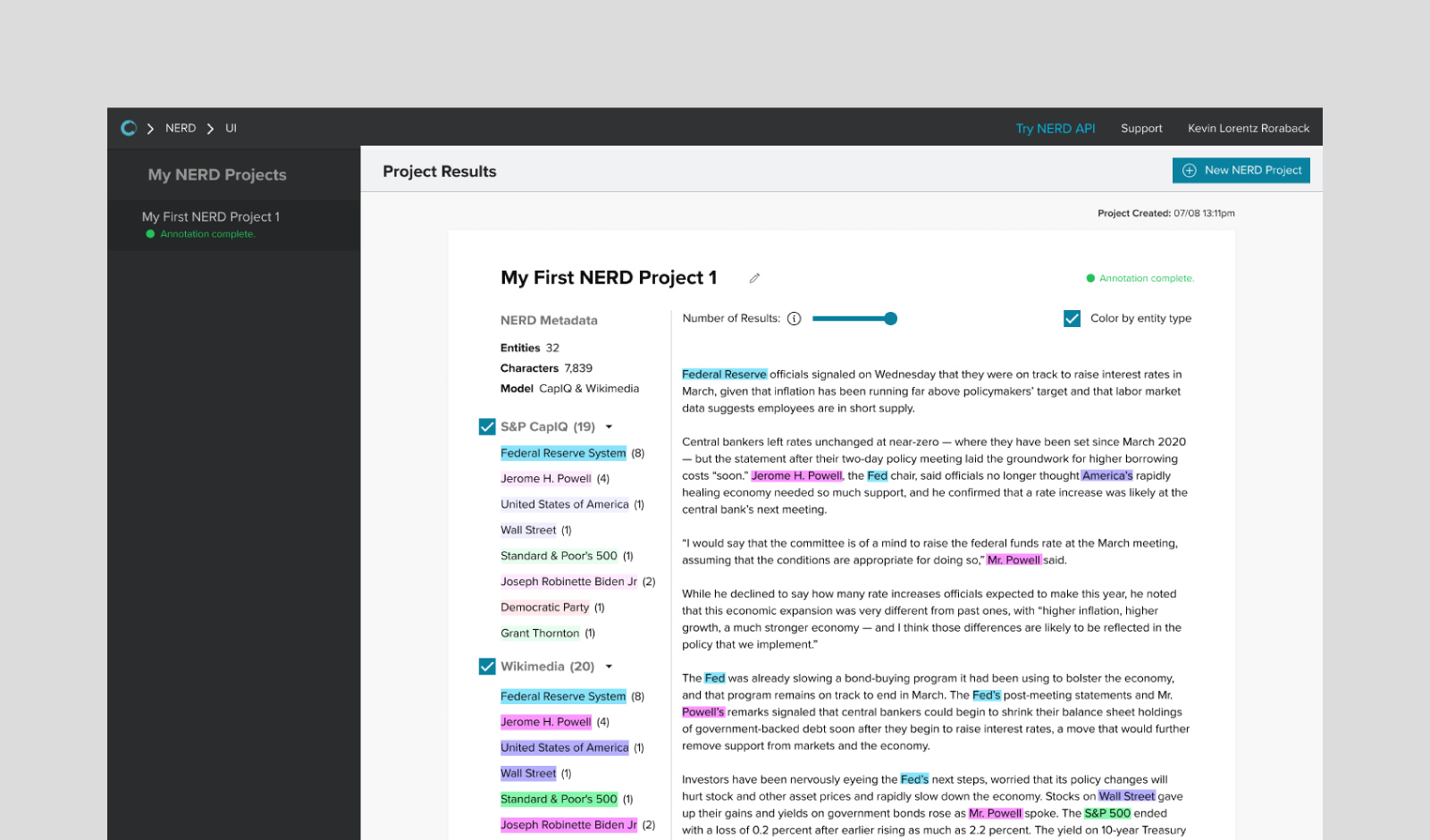
Kensho, owned by S&P Global, applies machine learning to historical market data to forecast event impacts and model macro scenarios. Quant teams and risk managers use it to understand how specific events, like policy changes, geopolitical developments, and earnings surprises, have historically affected asset prices and correlations.
Analysts can ask questions about historical relationships or scenario outcomes, and Kensho returns statistical analysis with confidence intervals. This makes sophisticated quantitative analysis accessible to non-quant users with the rigor that quant teams require.
Reviewers note that Kensho’s financial analysis tools streamline data extraction and integration for institutional users. Some mention limitations in the depth of analysis possible within its current data framework.
Key features:
- Event impact analysis: Event impact analysis provides statistical summaries of historical market reactions to specific event types, like Federal Reserve rate changes, trade policy shifts, and commodity shocks with typical price movements.
- Macro scenario modeling: Macro scenario modeling forecasts how different investments, like asset classes or portfolios, would react to various combinations of large-scale economic factors, using historical trends and statistical certainty levels for future predictions.
- S&P Global data integration: Kensho integrates with S&P Global data, providing access to Capital IQ, Market Intelligence, and other S&P datasets.
3. OpenAI (ChatGPT)
Best for: General financial research
User: Investors and investment bankers
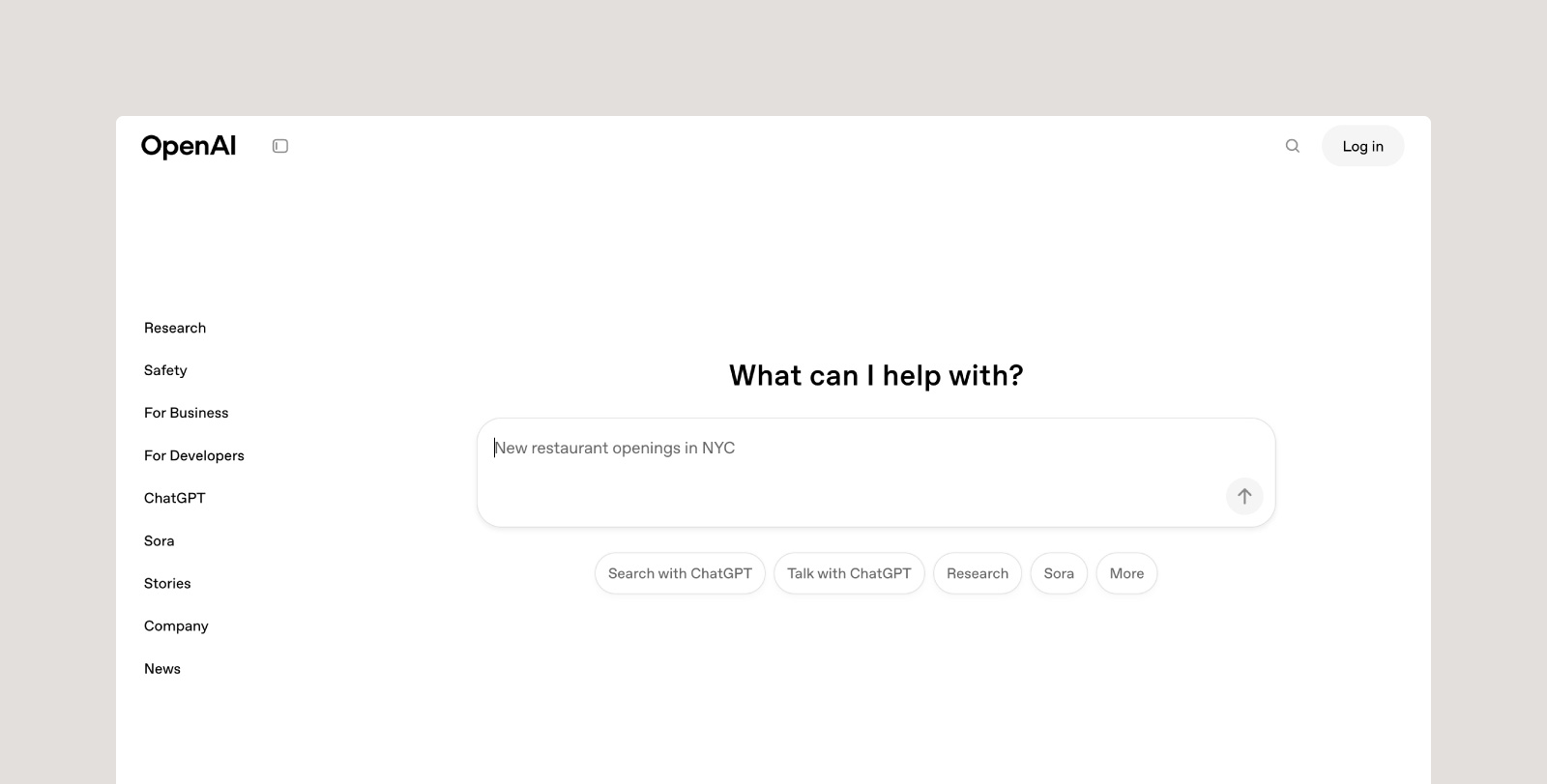
ChatGPT is a versatile AI assistant used by investors and bankers to speed up research, analysis, and memo creation. It can summarize filings, earnings transcripts, and market reports in seconds, giving teams a faster way to process unstructured information and identify key insights.
Analysts use ChatGPT’s Advanced Data Analysis to review models, interpret spreadsheet data, and test scenarios without writing code. Its ability to generate text and tables from natural language prompts helps bankers draft diligence summaries, build comps, and create client-ready content more efficiently.
Many firms build custom GPTs to handle recurring tasks such as document review or industry monitoring, integrating ChatGPT into secure workflows through APIs or tools like Power BI. The result is faster research cycles and reduced manual analysis across deal and market workflows.
Key features:
- Conversational AI: To provide quick insights from unstructured data, conversational AI efficiently summarizes filings, earnings transcripts, and market reports, thereby speeding up the research process.
- Advanced data analysis: Advanced Data Analysis reviews and interprets spreadsheet data, tests financial scenarios, and automates calculations without requiring manual coding.
- Custom GPTs: Users are able to create internal AI assistants that handle repetitive workflows such as document review, market tracking, or memo drafting within firm-specific processes.
4. Capix
Best for: Deal sourcing intelligence
User: Investors and investment bankers
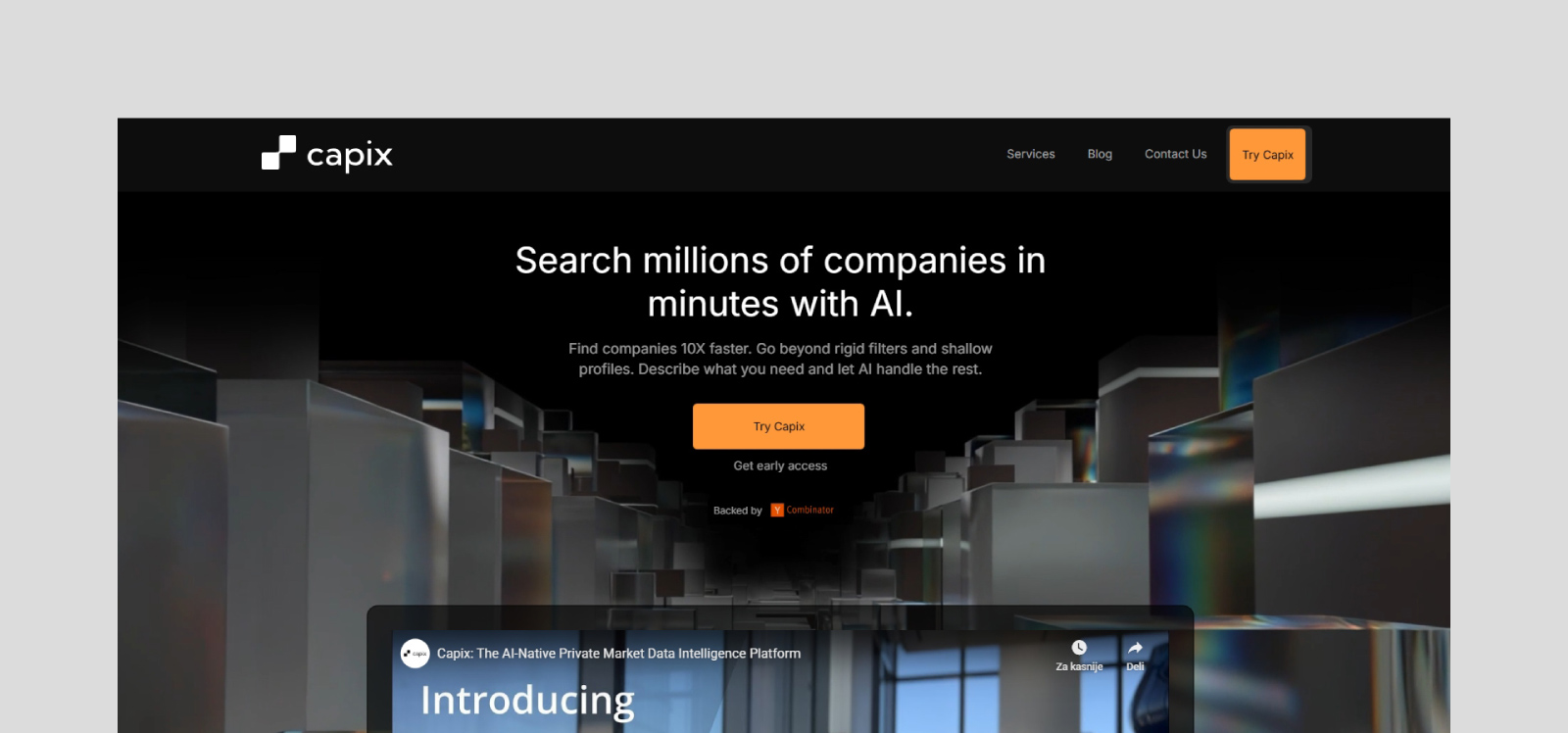
Capix aggregates data on private companies, transactions, and market participants to help M&A teams identify acquisition targets, competitive buyers, and relevant transaction comps. Corporate development groups and investment bankers use it to build target lists and understand market dynamics before launching processes.
The platform combines company financials, ownership structures, transaction history, and industry classifications to support screening and profiling. Users define criteria for target companies (size, geography, growth rate, etc.) and Capix returns ranked lists with supporting data. This accelerates the early stages of deal sourcing and market mapping.
User feedback for Capix is limited, but available reviews highlight its strong forecasting tools and secure cloud infrastructure. Some users note the lack of an API as a drawback for integrating with other financial systems.
Key features:
- Target screening: Filters companies by financial metrics, ownership structure, geography, and growth characteristics
- Buyer-seller matching: Identifies which strategic or financial buyers have been active in specific sectors or deal types
- Transaction comps: Provides access to private M&A transaction data, including deal structure, valuation multiples, and buyer-seller pairs
- Private company insights: Compiles key financials, ownership details, and transaction data from multiple sources
5. Anthropic (Claude)

Best for: Secure document synthesis
User: Investors and investment bankers
Claude, developed by Anthropic, is a generative AI assistant with security features designed for enterprise environments. Financial institutions use the platform to review diligence documents, summarize filings, and compare deal materials under data-control policies that prevent information from being used to train third-party models.
Claude features an extended context window that allows users to upload lengthy transcripts, contracts, or research files in a single prompt. This capacity enables the platform to process full data rooms and generate document summaries while maintaining a transparent approach to reasoning tasks.
Recently, Anthropic introduced pre-built finance agents designed to automate specific workflows, such as pitchbook creation and earnings reviews, directly within Microsoft 365. These agents utilize specialized data connectors—including a Moody's integration for credit ratings—enabling analysts to access governed market data and build financial models within Excel, Word, and PowerPoint.
Key features:
- Large-context processing: Handles up to 200K-500K tokens, or roughly 500 pages of text, in a single prompt for broad diligence review
- Enterprise-grade security and privacy: Designed for regulated use, including isolated deployments and data-control policies
- Structured output generation: Produces summaries, comparison tables, memos, and other formats tailored to investment research tasks
- Productivity integrations: Supports integration with Slack, Notion, Microsoft 365, and enterprise apps for seamless workflow embedding
6. Bloomberg
Best for: Real-time data
User: Investors and investment bankers
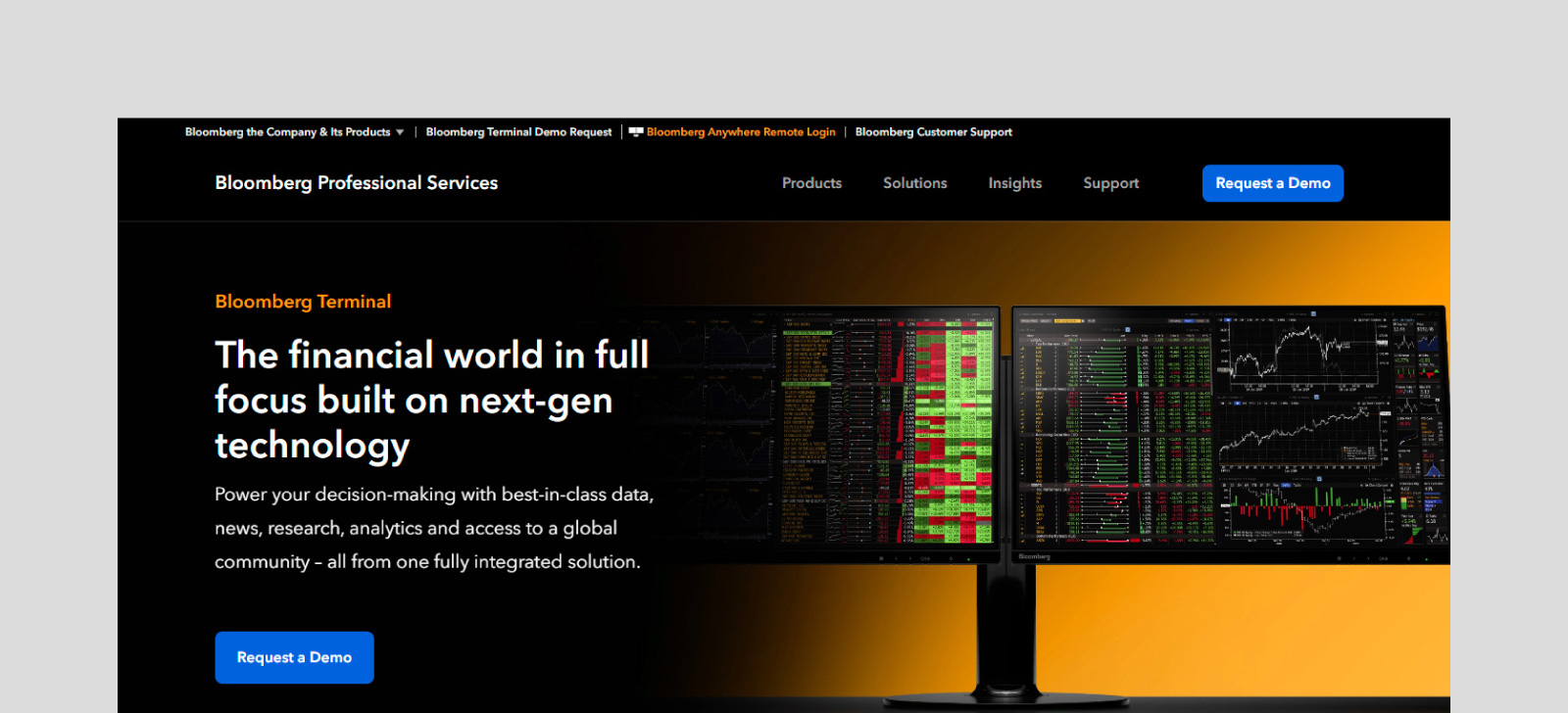
Bloomberg Terminal remains the standard for real-time market data, news, and analytics in institutional finance. Traders and portfolio managers rely on it for pricing data, market depth, news feeds, and communication with counterparties. The platform covers virtually every asset class, exchange, and data vendor in a single interface.
Bloomberg has layered AI across the Terminal, including AI-generated news and earnings-call summaries and ASKB, a conversational interface that queries Bloomberg's data and returns sourced answers.
Bloomberg Terminal users consistently emphasize its data depth, real-time accuracy, and strong customer support as major strengths. Some note drawbacks like its outdated interface, occasional performance lag, and the steep annual cost that limits accessibility outside large financial institutions.
Key features:
- Terminal integration: Combines market data, analytics, news, and messaging in one platform
- Real-time news feeds: Delivers real-time news from thousands of sources with filtering by topic, company, or market, and proprietary Bloomberg news coverage providing institutional-grade market event reporting
- Market analytics: Provides pre-built screens, charting tools, and analytical functions for equity, fixed income, commodity, and derivative markets with historical data for backtesting and research applications
- Counterparty communication: Enables secure messaging between traders, salespeople, clients, and colleagues with archived message history
7. Anaplan
Best for: Dynamic financial planning
User: In-house corporate finance teams
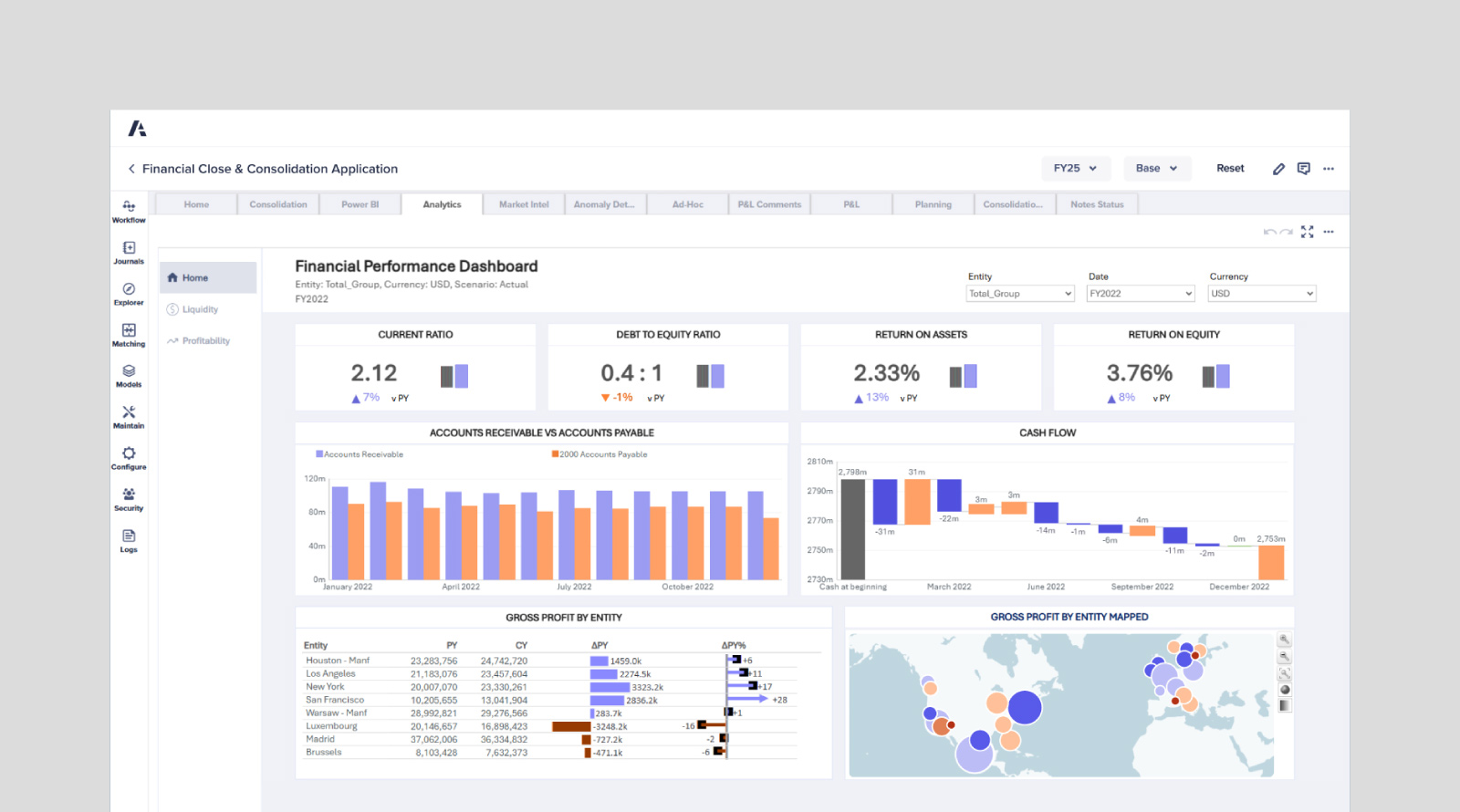
Anaplan provides connected planning infrastructure for corporate finance teams managing budgets, forecasts, and scenario analysis. It replaces static Excel models with systems that update in real time as assumptions change. Financial planning and analysis (FP&A) teams use it to coordinate planning across departments, streamline financial workflows, and model complex business scenarios.
When revenue inputs change, the system automatically updates related costs, staffing plans, and cash flow projections. This connected approach reduces errors and eliminates the versioning chaos that plagues traditional spreadsheet-based planning. Anaplan’s collaboration features also let multiple users work in the same model simultaneously with approval workflows.
Reviews highlight Anaplan’s flexibility and scalability for complex, multi-department planning. Others note that its pricing and slower performance with large datasets can make it difficult for smaller teams to adopt.
Key features:
- Connected planning models: Links all model components so updates in one area automatically adjust related calculations
- Scenario analysis: Builds and compares multiple forecast scenarios side by side
- Real-time collaboration: Enables multiple users to work in shared models with role-based permissions and change tracking
- Custom workflow automation: Defines approval chains, notification triggers, and data validation rules within planning processes
8. StackAI
Best for: Workflow automation
User: Financial systems and automation teams
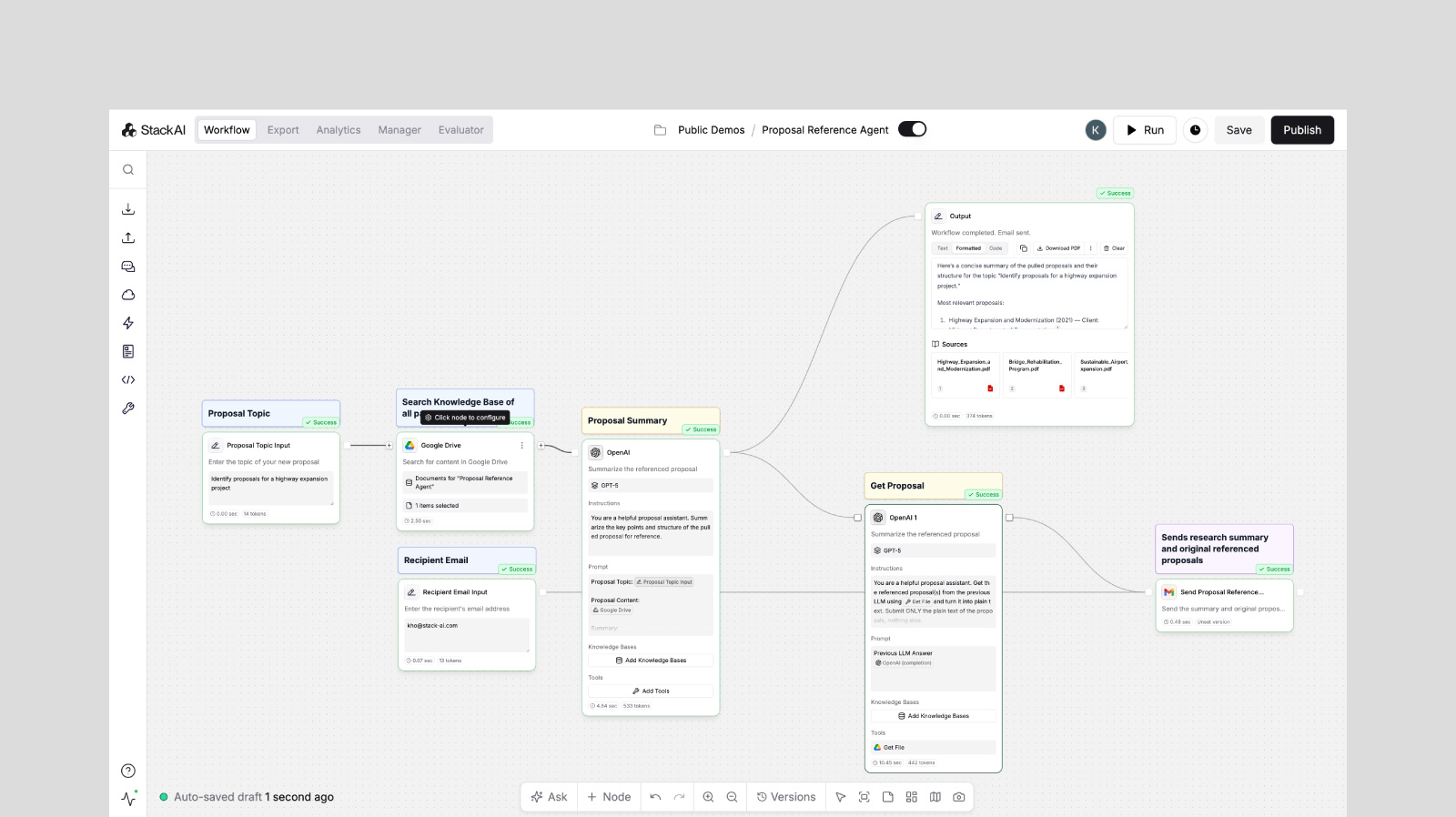
StackAI is a no-code platform for building custom AI workflows tailored to specific finance processes. Operations teams and tech-forward analysts use it to chain together LLM calls, data transformations, and API integrations without writing code. This lets firms automate repetitive analysis tasks and deploy AI to niche workflows.
The drag-and-drop interface makes it simple to use while still supporting complex logic and conditional branching. Teams build workflows that extract data from documents, enrich it with external sources, run calculations, and generate formatted outputs. These custom pipelines automate processes that would otherwise require manual analyst time.
Many users highlight StackAI’s easy-to-use visual builder and broad integration options for automating workflows. Others point out that the pricing jump between tiers and limited mid-market options make it less practical for smaller teams.
Key features:
- No-code pipeline builder: Uses a drag-and-drop interface to define AI workflows connecting data sources, APIs, and outputs
- API connections: Integrates with internal and external data systems for automated data transfer
- Custom agent deployment: Creates task-specific AI agents for document processing and data enrichment
- Security and compliance: Includes SOC 2, HIPAA, and GDPR certifications for enterprise deployments
9. FactSet Intelligence
Best for: Investment research and management automation
User: Investors and investment bankers
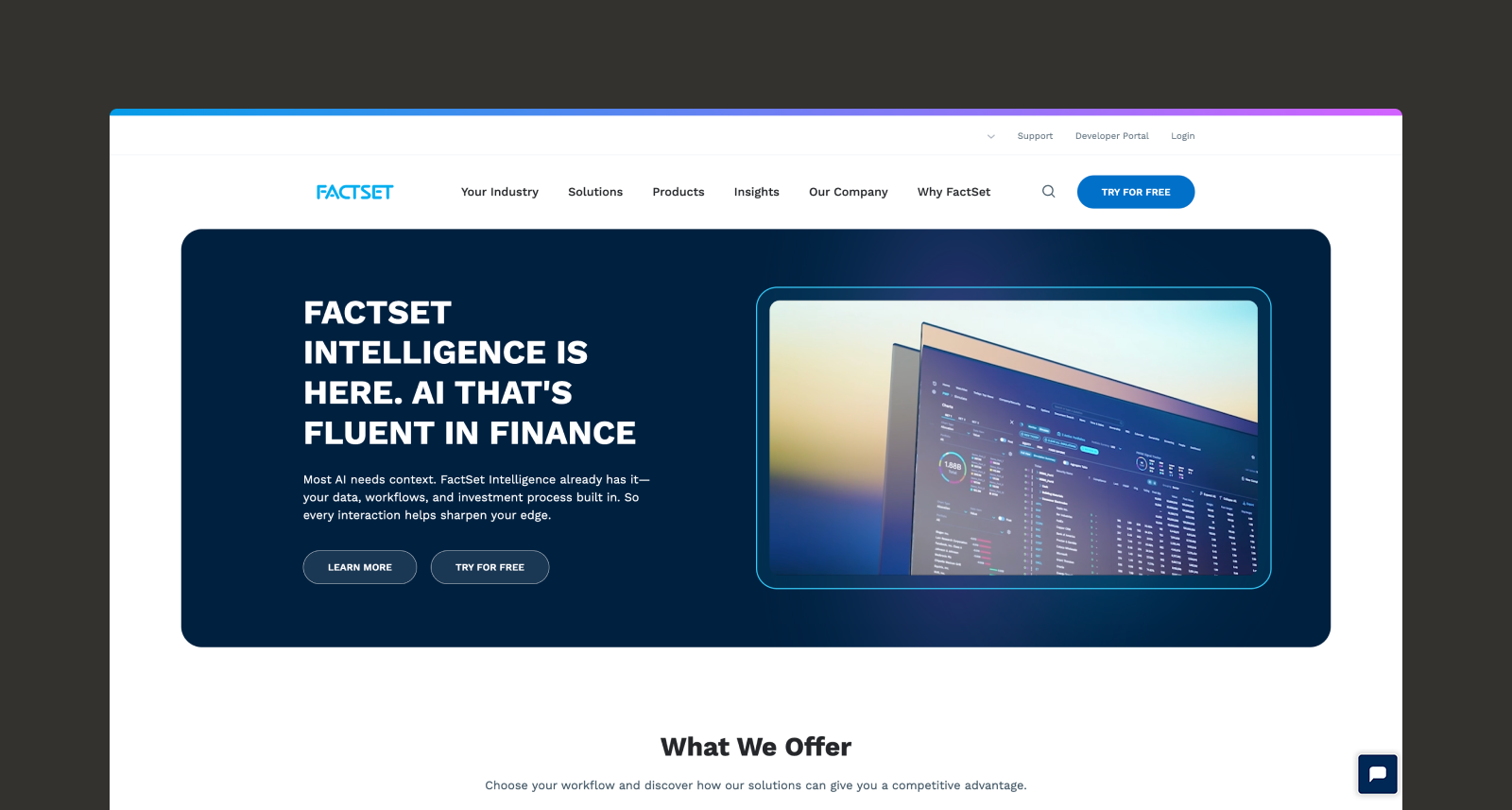
FactSet Intelligence is designed to accelerate research and streamline portfolio management. The system embeds generative AI directly into investment workflows, connecting proprietary firm data with FactSet’s extensive market intelligence. FactSet recently expanded its GenAI capabilities to an 85,000-user beta, grounding its AI tools in governed data to ensure institutional-grade accuracy and scalability.
Built on an open infrastructure, FactSet is the first major provider to deliver data via native Model Context Protocol (MCP). This connects LLMs directly to trusted market data, turning user prompts into precise API calls. By eliminating the need to build complex data connectors, analysts and developers can focus entirely on high-value financial analysis.
Key features:
- AI-driven, real-time alerts: The platform delivers customized insights and market updates directly via API or within the FactSet Workstation to keep teams informed of critical market movements.
- Simplified portfolio and research management: Users can query portfolio performance, risk, or composition using natural language to receive instant, auditable answers that streamline reporting.
- AI transcript summarization: A conversational chatbot enables analysts to search, analyze, and extract actionable takeaways from earnings transcripts, moving beyond basic summaries to identify key performance drivers.
10. Koyfin
Best for: Data visualization and reporting
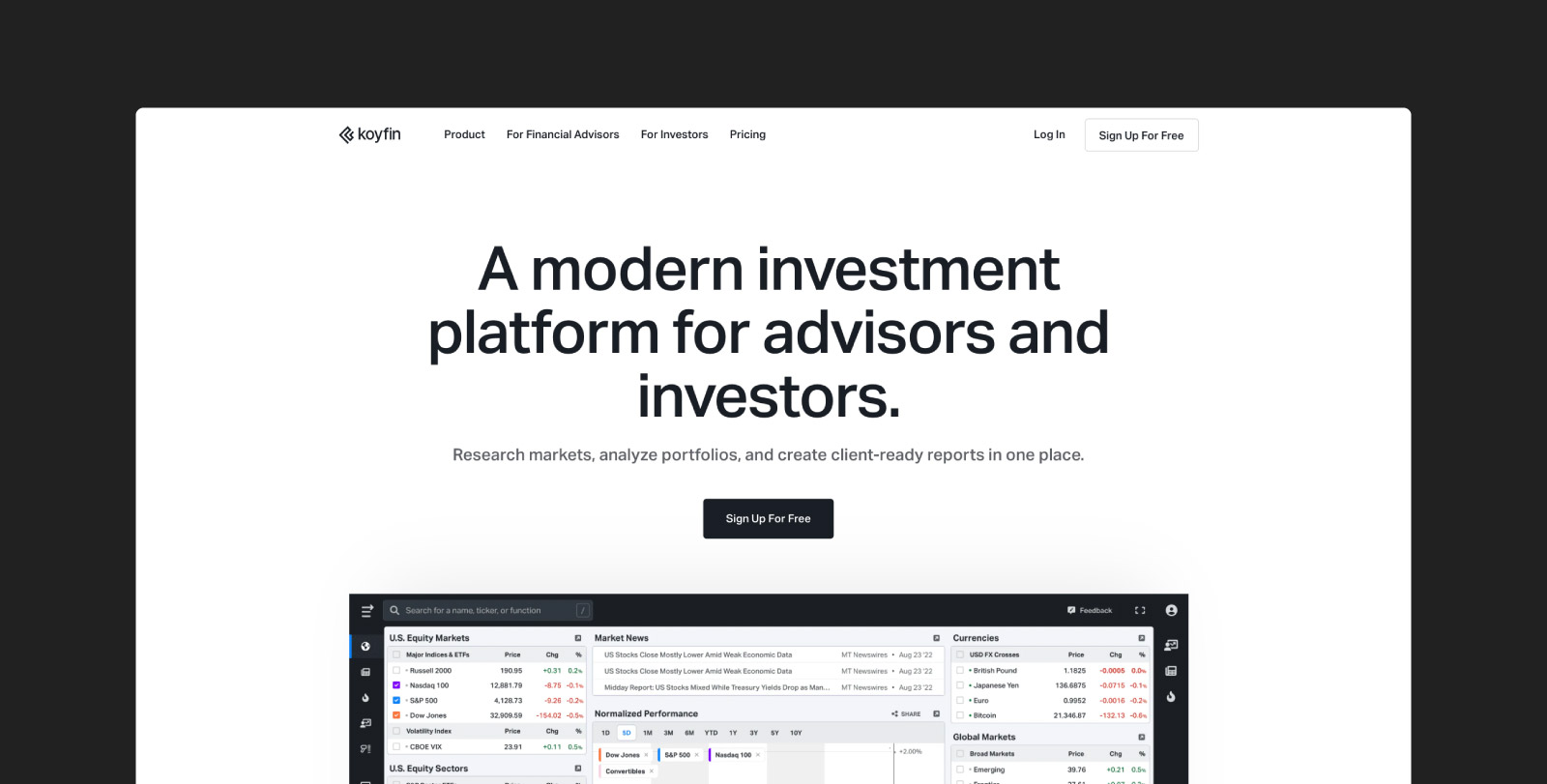
User: Portfolio managers and equity research analysts
Koyfin is a financial data and analytics platform recognized as an intuitive, budget-friendly alternative to traditional terminal systems. The platform specializes in translating massive sets of quantitative market data into highly customizable visual dashboards. Users consistently praise the platform's ease of use, responsive interface, and clean data, which allow analysts to quickly screen for opportunities and manage portfolios without a steep learning curve.
While Koyfin excels at structured data visualization, its architecture is fundamentally different from platforms built for deep, unstructured document synthesis or multi-agent automation. The platform provides genAI assistance for its screener tools, but reviews note that it lacks the advanced, end-to-end reasoning capabilities and bespoke workflow automation required for complex diligence tasks.
However, for teams primarily focused on quantitative analysis, technical charting, and generating clear visual outputs, Koyfin is a highly accessible and powerful tool.
Key features:
- Automatically generated reports: Users can instantly generate and customize client-ready reports featuring benchmarks, tailored analytics, and firm branding directly from their portfolio data.
- Template-based graphing: The platform offers advanced charting tools that let analysts layer technical indicators, build custom graph templates, and easily share visualizations across their team.
- Customizable dashboards for financial analysis: A drag-and-drop interface allows users to build tailored workspaces that monitor macro trends, sector performance, and specific watchlists in one consolidated view.
How To Choose the Right AI Tool for Financial Analysis
Selecting the best AI tools for financial analysis requires matching platform capabilities to your most important use cases.
1. Pinpoint Where to Save Time
Start by identifying which parts of your workflow are taking up hours of manual work.
- Investment bankers often spend a lot of time building financial models and presentation materials.
- Private equity professionals spend significant time navigating virtual data rooms (VDRs), extracting data for leveraged buyout (LBO) models, and preparing high-stakes investment committee (IC) memos.
- Credit analysts devote hours to parsing dense, complex credit agreements to track covenants, timelines, and downside risks.
- Public equity investors spend their time analyzing massive volumes of documents, such as earnings transcripts and filings, to find the signal before the market does, searching for key deal drivers and forward-looking market shifts.
- FP&A teams spend hours reconciling data, updating forecasts, and maintaining linked spreadsheets.
Regardless of your role, identify where your team spends the most time and prioritize tools that automate those high-impact areas.
2. Match Tools to Your Data Needs
Each AI platform handles data differently. Evaluate how well each option works with your actual data types and volume:
- Identify whether your workflow involves unstructured data, like PDFs, or structured data, like real-time financial feeds.
- Check whether the system requires extensive pre-processing before analysis.
- Understand if the system can handle the amount of data you typically need for each workflow while maintaining quality.
3. Look for Clear, Trustworthy Outputs
Your analysis must be defensible to committees, clients, and regulators. Choose tools that make it easy to verify conclusions and explain outputs:
- Favor platforms that include citations, confidence scores, or reasoning chains.
- Avoid systems that produce answers without supporting evidence.
- Test scenarios where data conflicts or ambiguity exist to see how the model handles uncertainty.
4. Check How It Fits With Your System
Even the best tools can fail if they don’t integrate smoothly with your existing tech stack. Confirm how well the platform connects with your current environment:
- List core systems like SharePoint, Box, Excel, and Power BI.
- Confirm whether the AI offers API access, single sign-on (SSO) support, or direct integrations.
- Ask if you’re required to upload data to the cloud or if it can remain within your secure servers.
5. Make Security a Non-Negotiable
Financial data is often sensitive and typically has strict safeguards in place. Address security early to prevent compliance issues later:
- Verify that vendors hold SOC 2 Type II certification at a minimum.
- Confirm compliance with GDPR, CCPA, and ZDR policies that prevent models from storing or training on your data.
- Involve your information security and legal teams before shortlisting to confirm the platform meets internal and regulatory requirements.
6. Plan for Growth
The right tool should scale as your firm grows. Consider how your data volumes, users, and use cases will expand over time:
- Estimate future needs over the next 18 to 24 months.
- Research whether performance remains stable with larger datasets.
- Review pricing tiers to confirm they align with long-term growth.
7. Calculate Real Value
Measure the financial impact of adopting AI before committing. A simple ROI model can give a clearer picture of the payoff:
- Compare hours saved per deal against analyst compensation rates.
- Include qualitative aspects in your evaluation, like what your peers are using and how much easier it makes your team’s work.
- Weigh total gains against licensing, training, and implementation costs.
Unlock Faster, Smarter Financial Insights With Hebbia
If you’re ready to transform your analysis capabilities and turn information overload into a competitive advantage, Hebbia is the definitive generative AI platform for finance. It empowers professionals to consistently outperform the market and execute better deals with deeper insights. By allowing AI to handle the heavy lifting, teams can focus entirely on higher-level thinking and edge creation.
Ultimately, teams that run on Hebbia generate more value, revenue, and returns. Request a demo to accelerate speed-to-insight and build a definitive competitive edge.


