What's New: February 2026
The Hebbia team is starting the year off strong. In January, we shipped features to help you find answers faster, build better analyses, and collaborate more seamlessly. Here's what the team has been up to over the past month.
Finance-tailored Chat
Hebbia’s chat is fine-tuned to respond using the structure, language, and tone expected by finance professionals, enabling deeper and more accurate diligence insights tailored to your workflow.
New Financial Data Sources
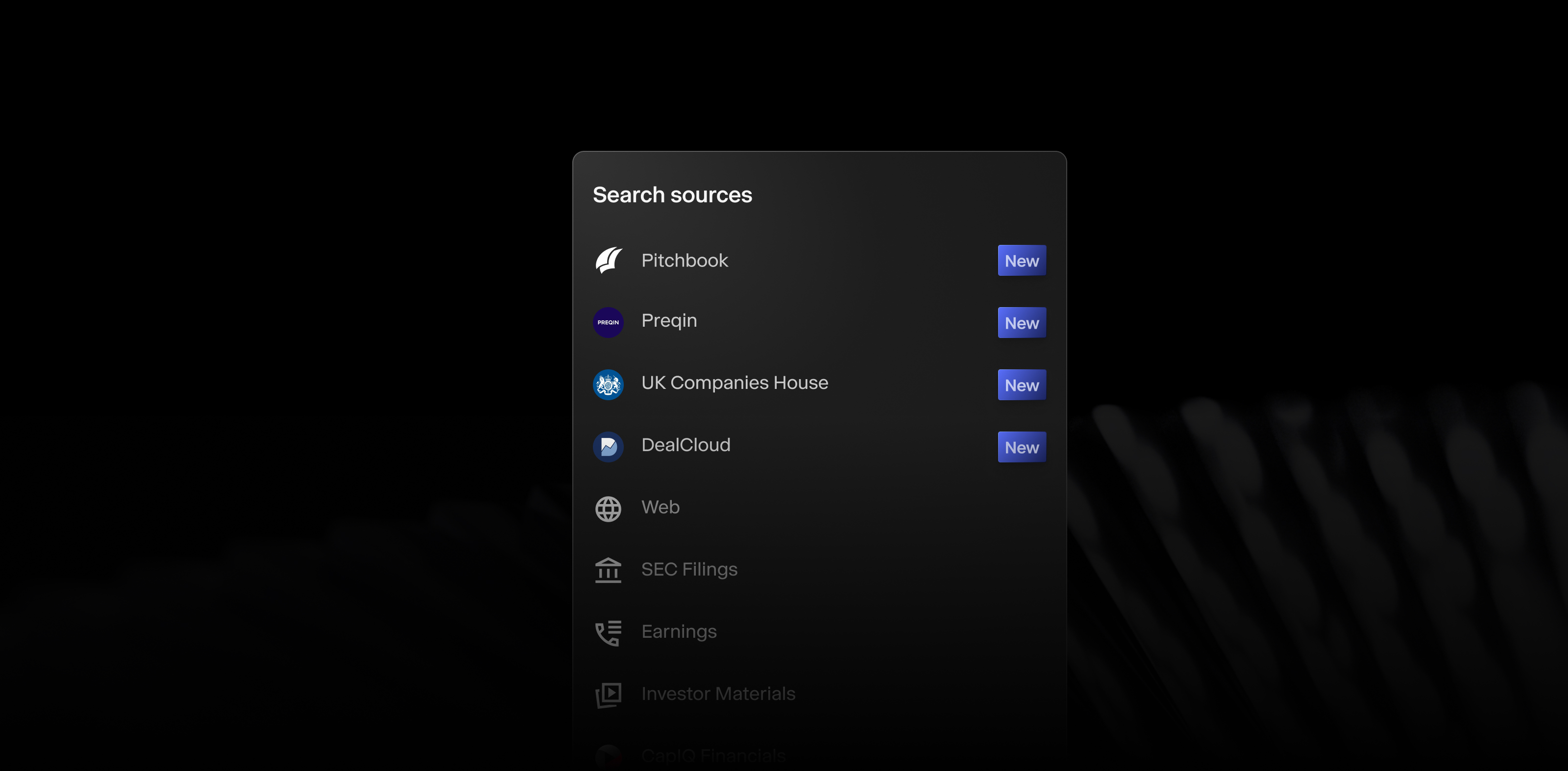
Gain deeper and broader insights with expanded access to Pitchbook, Preqin, UK Companies House, and DealCloud.
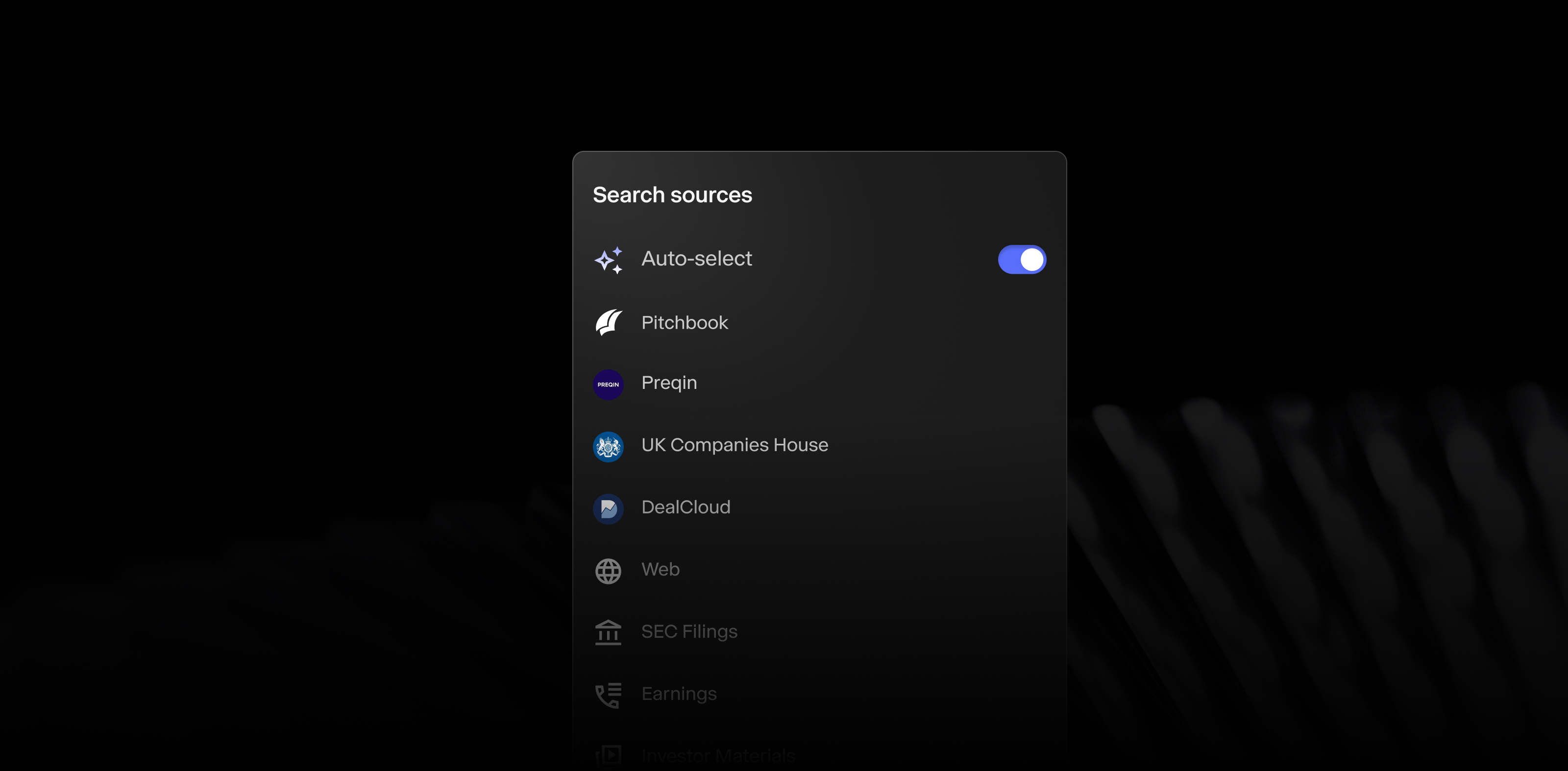
Intelligent data selection in Chat
Never feel the friction of choosing which data to pull in again. Hebbia automatically detects the best data sources based on your prompt from the largest suite of industry-specific sources.
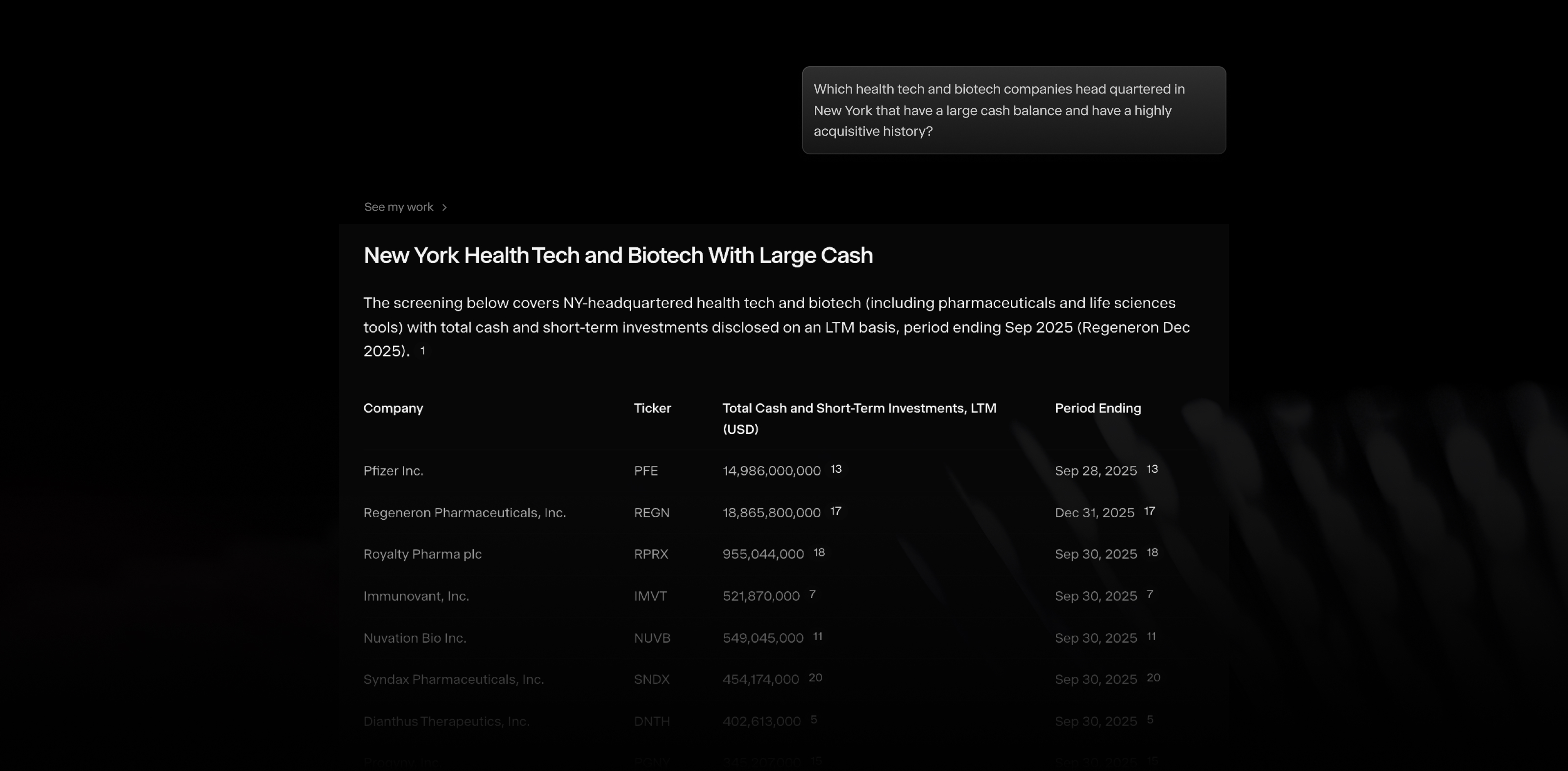
Smarter screening for public companies
Screen public companies by location, growth trajectory, sub-industry, and financials—all in a chat prompt. Ideal for building target lists, sourcing deals, or scoping buyer universes.
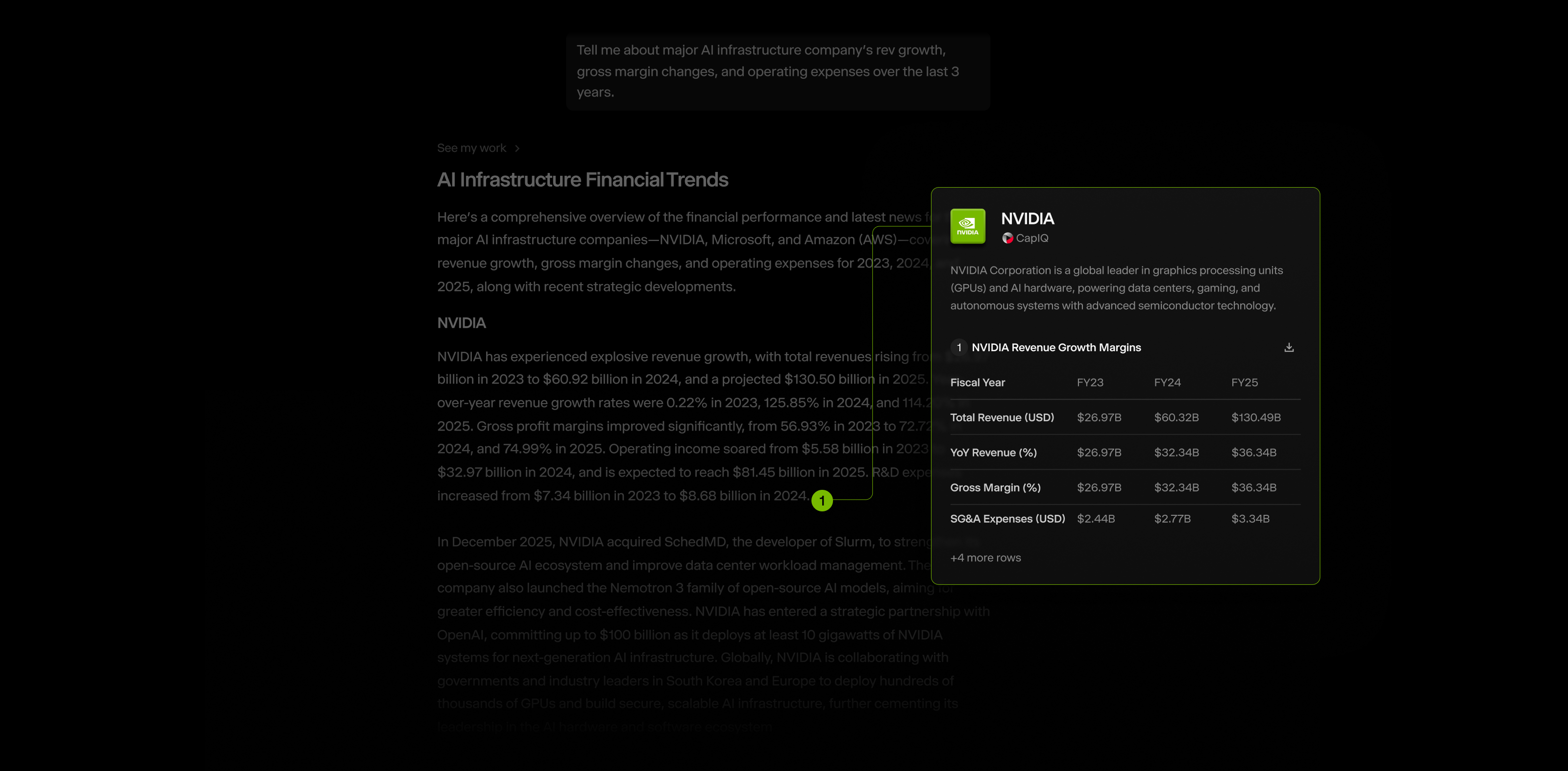
S&P CapIQ company cards
S&P CapIQ citations now appear in organized company cards in Chat, so you can verify data without switching tabs.
Agents on mobile
Access your saved agents on the mobile app, running diligence workflows to get answers anytime, anywhere, right from your phone.

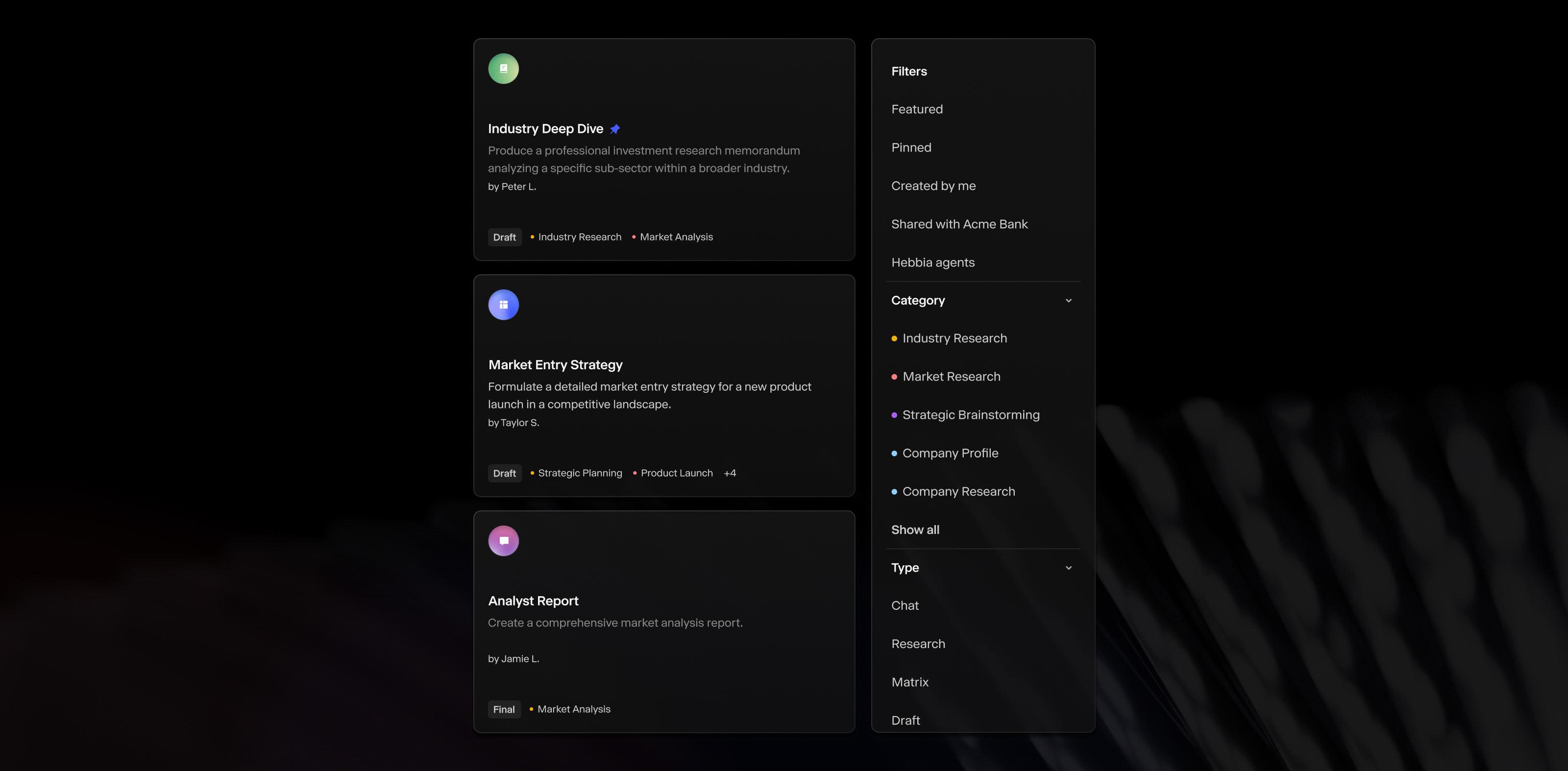
Agents: Organized, Tagged, and Pinned
Find your agents faster when you tag them by use case, filter and sort by category or popularity, and pin your most-used agents to the sidebar for one-click access.
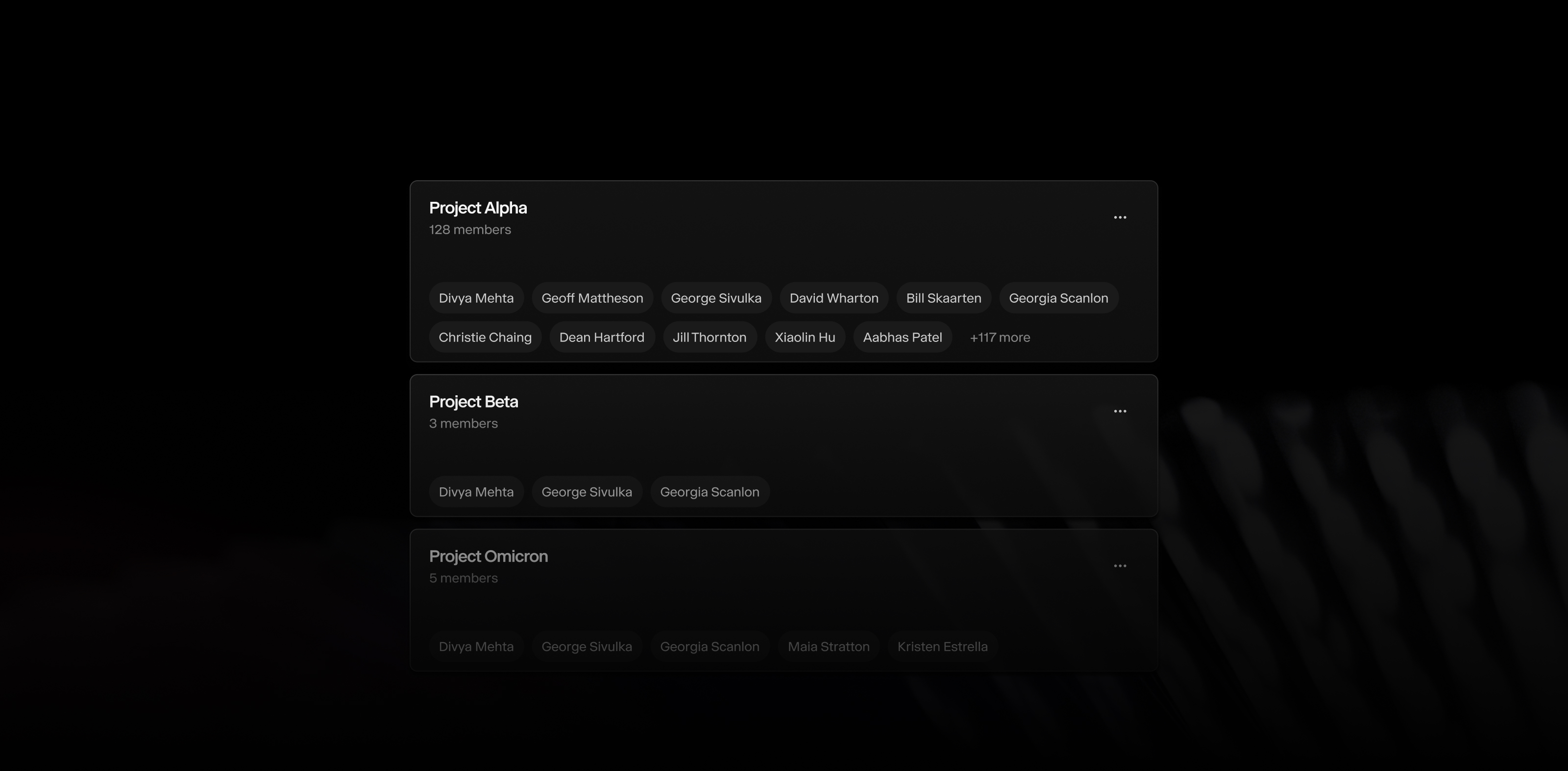
Collaborative project teams
Easily organize users by function, team, or coverage area and share any Matrix, report, or project with your entire team to speed up deal collaboration and keep everyone aligned.
Custom PowerPoint templates in Matrix
Select customers can automatically refresh existing PowerPoint slides with the updated Matrix data—perfect for monthly portfolio reporting or recurring deal summary slides.
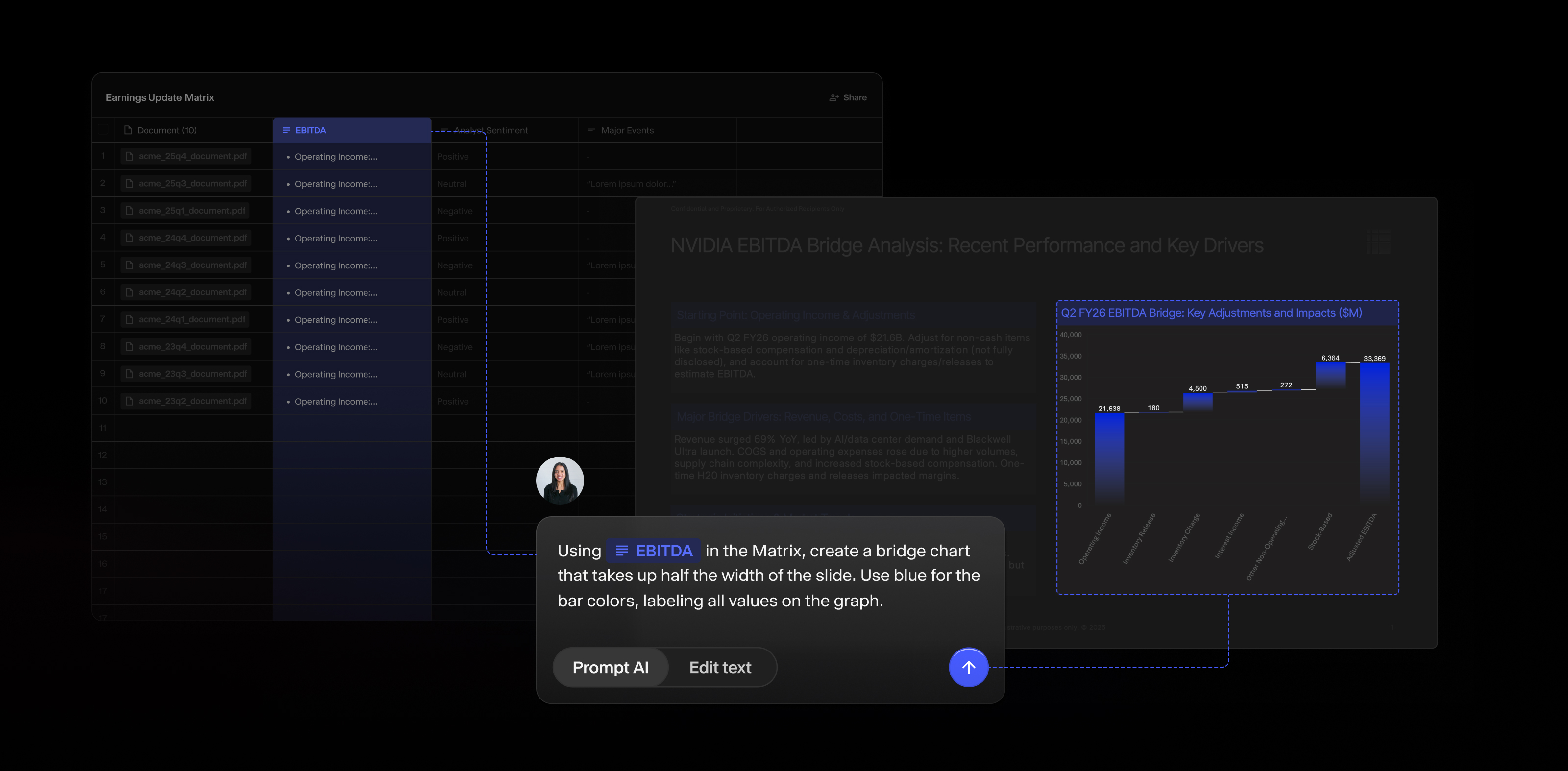
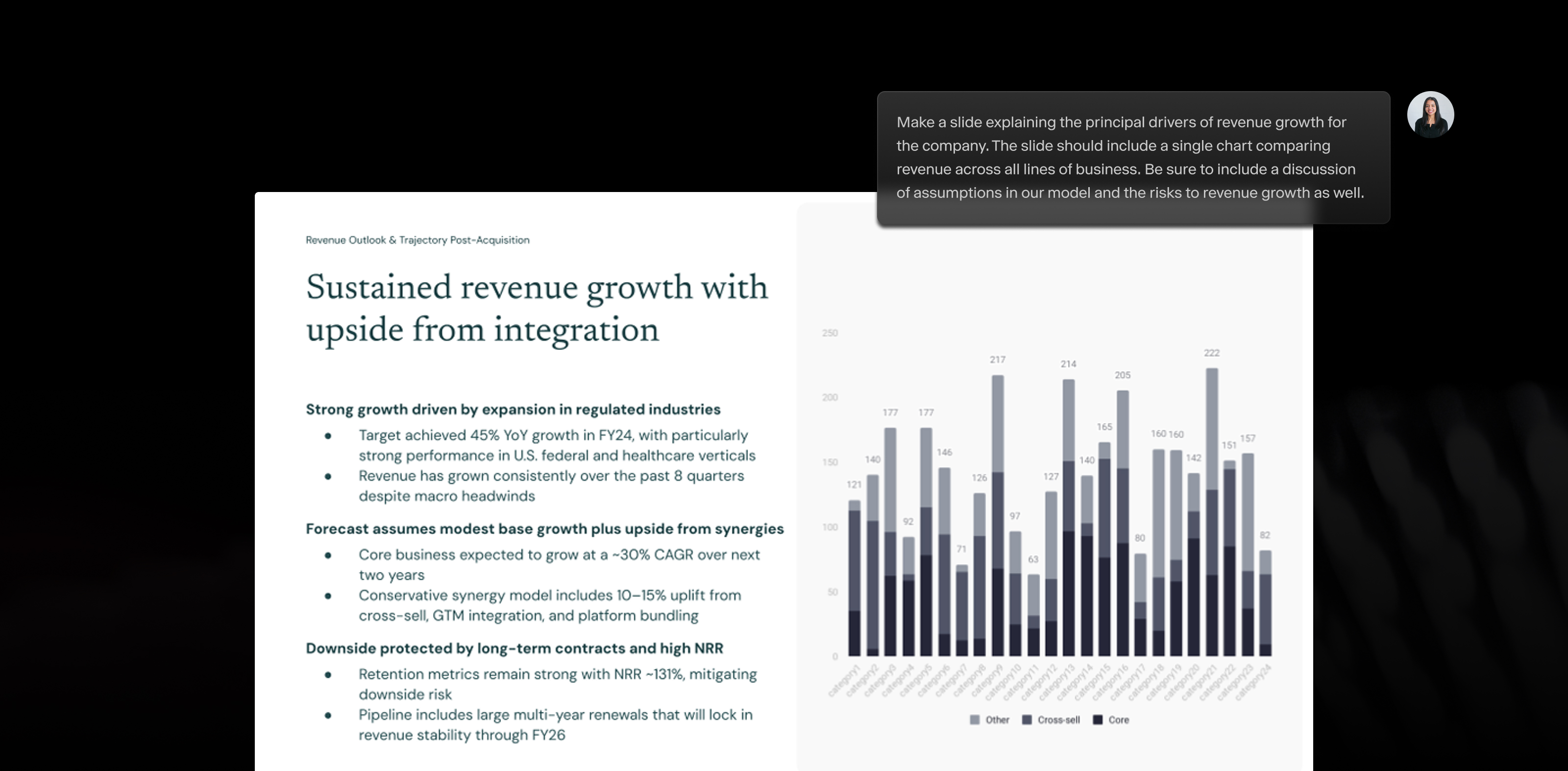
Natural Language to PowerPoint Improvements
Describe the slide you want in chat and Hebbia will present it in a visual canvas with adjustable layouts and intent detection, turning analysis into presentations in minutes.
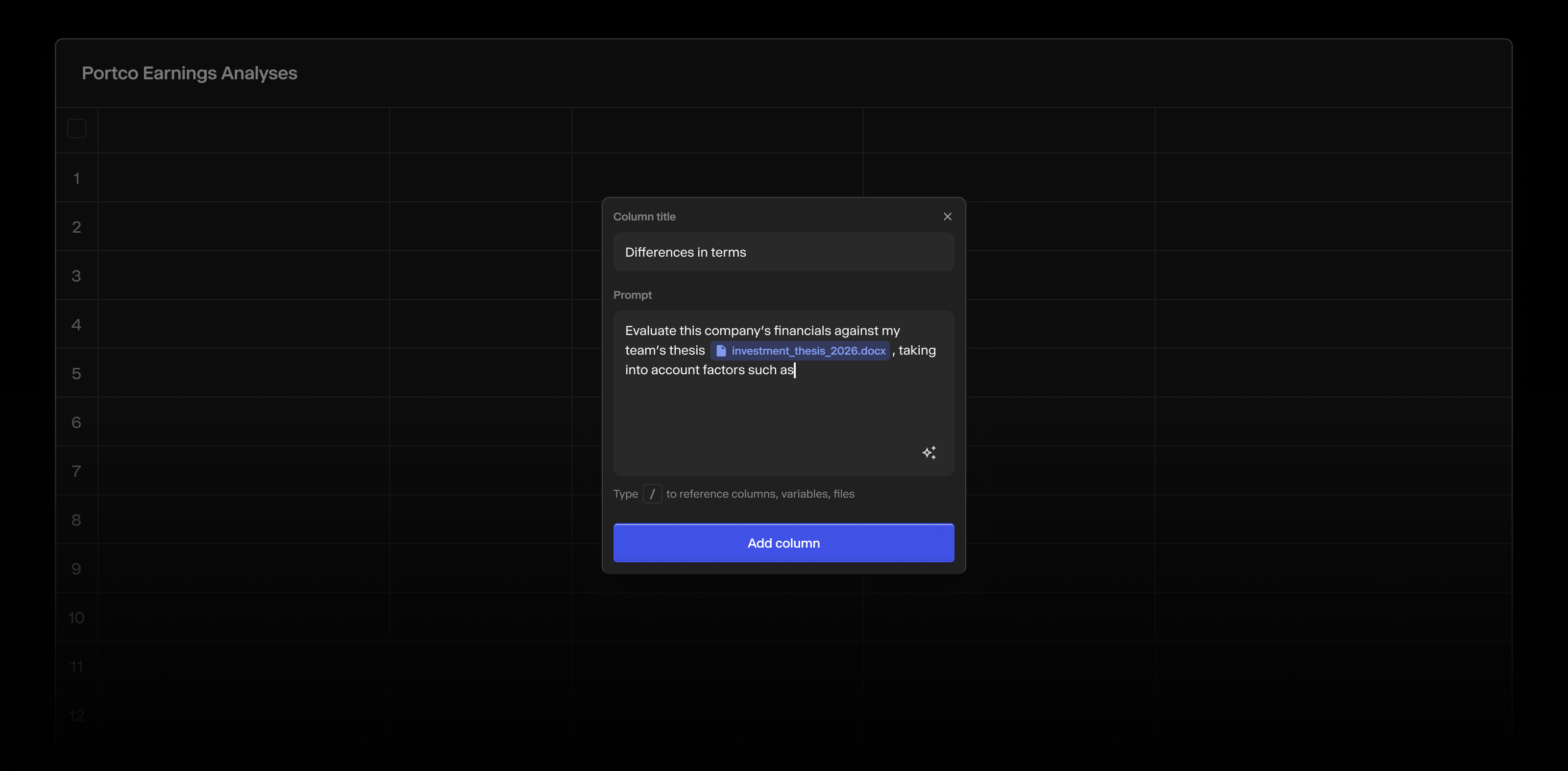
Smarter Matrix Workflows
Build a Matrix faster with the ability to add metadata, take notes, and attach files to columns for improved context. You can also swap variables or prompts across columns to quickly repurpose your best work.
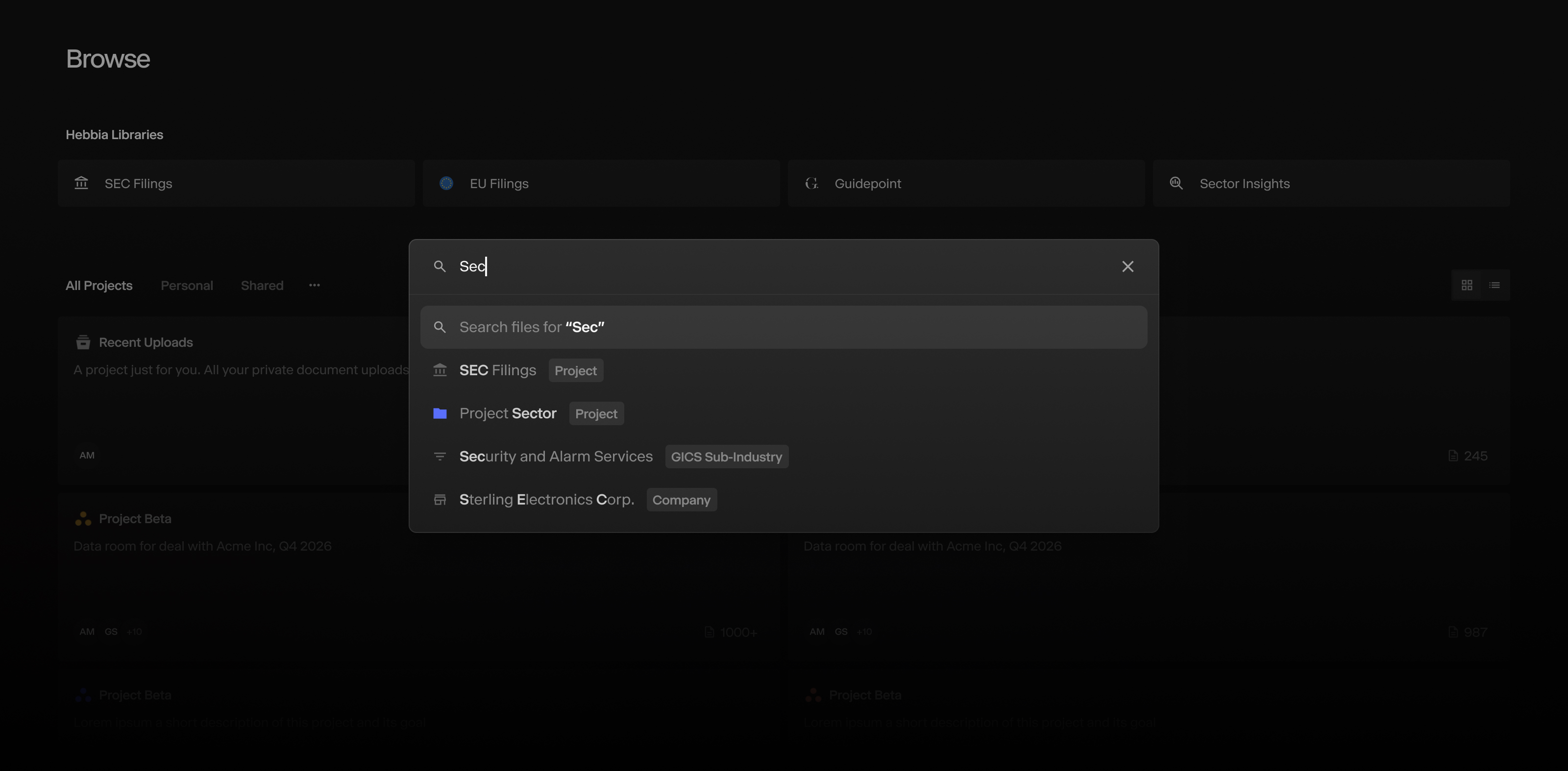
Global Search with Smart Suggestions
Get suggestions of what to search for as you type in the Browse navigation bar so you can quickly find the documents you need rather than clicking through all of your data sources.