
10 Best AI-Powered Enterprise Search Tools in 2026
In finance, unstructured data blocks organizational efficiency and productivity . The most critical signals are often trapped across thousands of disparate sources—from VDRs and PDFs to memos and shared drives. In fact, 38% of teams struggle to search across these fragmented sources, slowing diligence and increasing the risk of missed insight.
For investment bankers, private credit analysts, and hedge fund professionals, missing a key data point can mean losing a deal, while finding the right information quickly can give your team a decisive edge.
This is the challenge that enterprise search is designed to solve. It brings structured and unstructured firm data into one searchable layer. At the same time, AI-powered enterprise search goes further by understanding context, extracting relevant insights, and grounding answers in source documents—even across complex financial materials.
With more tools entering the market, this guide evaluates the ten best AI-powered enterprise search platforms for 2026, including what each does best, which features matter most for finance workflows, and how to choose the right fit for institutional-scale document analysis.
What Is AI-Powered Enterprise Search Software?
AI-powered enterprise search software uses large language models (LLMs), semantic search, and hybrid retrieval to index, retrieve, and reason over information across an organization’s structured and unstructured content.
Instead of returning a long list of keyword matches, modern systems interpret natural-language questions, respect source permissions, and surface grounded answers with citations back to the original documents.
For finance professionals, this means querying across a diverse data landscape—all as one searchable knowledge layer:
- Confidential information memorandums (CIMs)
- Credit agreements
- Earnings transcripts
- Internal memos
- Spreadsheets
- Investor materials
- Third-party data
The strongest platforms also handle long PDFs, tables, charts, scanned documents, and mixed private/public data without stripping away the institutional context that drives real decisions.
Human judgment still decides what to do next. But AI-powered enterprise search dramatically shortens the path from question to defensible answer.
How AI-Powered Enterprise Search Empowers Finance Teams
AI-powered enterprise search helps finance teams compress document-heavy workflows without sacrificing defensibility. It centralizes institutional knowledge, connects disconnected systems, and gives analysts a faster path to source-linked answers that can stand up to investment committees, managing directors, compliance teams, and clients.
The most meaningful benefits fall into five buckets:
- Speeds up research and deal prep: This technology finds answers instantly across memos, filings, and data rooms, saving hours of manual searching. Teams receive precise responses with citations in seconds rather than spending entire days tracking down information.
- Surfaces insights hidden in documents: The system reads and understands full PDFs and spreadsheets to extract figures, patterns, and language that matter to analysts. It identifies trends, outliers, and cross-document connections. For example, covenant shifts across a loan portfolio or repeated pricing pressure commentary across earnings transcripts.
- Improves decision quality and confidence: Verified sources, citations, and context help teams make better calls under tight deadlines. Every answer links back to its original document, providing decision-makers with the evidence they need to defend their thesis.
- Strengthens collaboration across the firm: Centralized search makes it easy for teams to access and share information from both current and past employees, all in one place. Junior analysts can instantly find how senior partners approached similar deals, and deal teams can leverage institutional knowledge without reinventing the wheel.
- Supports compliance and audit readiness: Permissioned access, traceable sources, and clear audit trails ensure compliance with internal and regulatory requirements. Every search and output is logged, cited, and tied to specific source documents, making reviews and audits straightforward.
Best AI-Powered Enterprise Search Tools at a Glance
Below is a snapshot of the top enterprise AI search platforms for 2026.
Name | Best for | Key features |
|---|---|---|
Hebbia | Finance teams that need grounded answers across private and public data | - Fully-indexed repository for documents - AI-powered financial research - Iterative Source Decomposition (ISD) for scalable multi-document processing - In-line citations and full audit trail - Enterprise-grade security |
Coveo | Customer and employee self-service experiences | - AI search for digital commerce - Behavior-based relevance tuning - Unified content indexing |
Elastic | Developer-led hybrid search at scale | - Scalable enterprise search engine - Hybrid vector and keyword search - Built-in search analytics |
Google Vertex AI Search | Enterprise search over structured and unstructured data | - Semantic search - Vertex AI grounded answers - Enterprise governance and customization |
Guru | Governed internal knowledge and trusted answers | - Card-based knowledge management - AI-powered internal search - Knowledge verification workflows |
Algolia | API-first search for customer-facing apps and internal portals | - Search API for applications - Instant, typo-tolerant results - Rich faceting and filters |
IBM Watson Discovery | Domain-specific document understanding | - NLP-enriched document search - Domain-specific data enrichment - Table and passage extraction |
Pinecone | Teams building custom AI retrieval infrastructure | - Managed AI search storage - Fast meaning-based - Automatic scaling with demand |
Microsoft 365 Copilot Search | Microsoft-first organizations that need unified work search | - AI search across Microsoft 365 - Context-aware work answers - Graph-based personalization |
Glean | Cross-app knowledge discovery and action | - 100+ app integrations - Enterprise Graph knowledge model - Personalized AI work assistant |
1. Hebbia
Best for: Finance teams that need grounded answers across private and public data
Hebbia is an AI-powered enterprise search platform purpose-built for finance, enabling investment professionals to search, retrieve, and analyze information directly from their firm’s proprietary documents and external data sources. Unlike generic AI tools, Hebbia’s core strength lies in its fully indexed repository—Browse—which enables users to perform document-based search and retrieval at scale.
This is a game-changer for financial services, where the majority of analysis happens within complex, unstructured documents like offering memoranda, contracts, and regulatory filings. Hebbia is uniquely valuable for deal teams, asset managers, and private equity professionals who need instant, reliable answers.
Key features:
- Fully-indexed repository for documents: Hebbia's Browse feature creates a unified, searchable index of all your firm's documents, including PDFs, spreadsheets, presentations, and more, enabling instant retrieval and analysis. Teams can search across millions of pages in seconds, with results ranked by relevance and linked directly to source passages.
- AI-powered financial research: Hebbia uses natural language processing (NLP) and a multi-agent system to extract and synthesize insights from complex financial documents. It answers nuanced questions, supports diligence, and generates results in seconds, handling multi-document queries like covenant comparisons or trend tracking across management commentary.
- Iterative Source Decomposition (ISD) for scalable multi-document processing: Hebbia’s ISD technology preserves document context, structure, and formatting, enabling multi-step reasoning across large datasets. It produces accurate, citation-linked outputs for models, drafts, and presentations by breaking documents into segments while keeping relationships between sections, tables, and footnotes.
- In-line citations and full audit trail: Every answer is linked to its original source, providing transparency, auditability, and trust—crucial for regulated industries and high-stakes financial decisions. Users can click through to the exact page and paragraph where information originated, and all queries are logged for compliance review.
- Enterprise-grade security: Hebbia adheres to stringent security protocols, including SOC2 compliance, GDPR, and end-to-end encryption, ensuring data privacy and protection for regulated industries. The platform supports role-based access controls, zero data retention policies, and isolated deployments for firms with strict information barriers.
2. Coveo
Best for: Customer and employee self-service experiences
Coveo is an enterprise search solution designed primarily for customer-facing applications, such as e-commerce sites, support portals, and knowledge bases. The platform uses AI to understand user intent and deliver personalized search results based on browsing behavior, purchase history, and interaction patterns.
The platform tracks how users interact with search results and adjusts rankings accordingly. If customers consistently click on certain products or support articles after specific queries, Coveo learns these preferences and surfaces similar results for future users. This behavior-based approach works well for commerce and support scenarios where patterns are clear and repetitive.
Key features:
- AI search for digital commerce: Coveo personalizes product search results based on customer behavior, location, and purchase intent, increasing conversion rates and reducing cart abandonment.
- Behavior-based relevance tuning: The platform automatically adjusts search rankings based on click-through rates, dwell time, and conversion data, improving results without manual tuning.
- Unified content indexing: Coveo indexes content from multiple sources, including product catalogs, knowledge bases, and customer relationship management (CRM) systems, into a single searchable interface.
3. Elastic
Best for: Developer-led hybrid search at scale
Elastic is a free and open search and analytics engine built to handle massive data volumes across distributed infrastructure. Engineering teams use it to index logs, monitor application performance, and build custom search experiences into their products. The platform is popular with technology companies and enterprises that need to search petabytes of data in real time.
Elastic requires technical expertise to configure and maintain. Teams typically deploy it on cloud infrastructure or on-premises servers, then build custom interfaces and integrations. The flexibility comes with complexity, making it better suited for organizations with dedicated engineering resources rather than business users who need plug-and-play search.
Key features:
- Scalable enterprise search engine: Elastic distributes data across multiple nodes, allowing it to handle billions of documents and terabytes of information with fast query response times.
- Hybrid vector and keyword search: The platform combines traditional keyword matching with vector-based semantic search, enabling both exact term lookups and conceptual similarity queries.
- Built-in search analytics: Elastic provides dashboards and visualizations that track search performance, query patterns, and system health metrics.
4. Google Vertex AI Search
Best for: Teams building Google-quality enterprise search over structured and unstructured data
Google Vertex AI Search is an enterprise search tool designed for organizations using Google Workspace. It indexes Gmail, Drive, Calendar, and other Google apps, allowing users to search across all their work content from a single interface. Teams that run entirely on Google's ecosystem can find emails, files, and meeting notes without needing to switch between applications.
The platform leverages Google's search technology and adds access controls that respect existing Workspace permissions. Google Cloud Search works well for organizations already invested in Workspace, but it offers limited value for firms using other platforms, such as Microsoft 365 or Box.
Key features:
- Semantic search: Vertex AI Search helps teams retrieve relevant information across both structured data sources and unstructured content, like PDFs, documents, and other text-heavy files, making it easier to search across a wide range of enterprise knowledge from a single interface.
- Grounded answers: Google’s AI layer can generate answers and summaries grounded in enterprise content, helping users get faster responses while maintaining visibility into the source material.
- Enterprise governance and customization: Vertex AI Search includes governance and privacy features that help organizations manage how search is deployed, secured, and tailored to their internal data, access requirements, and use cases.
5. Guru
Best for: Governed internal knowledge and trusted answers
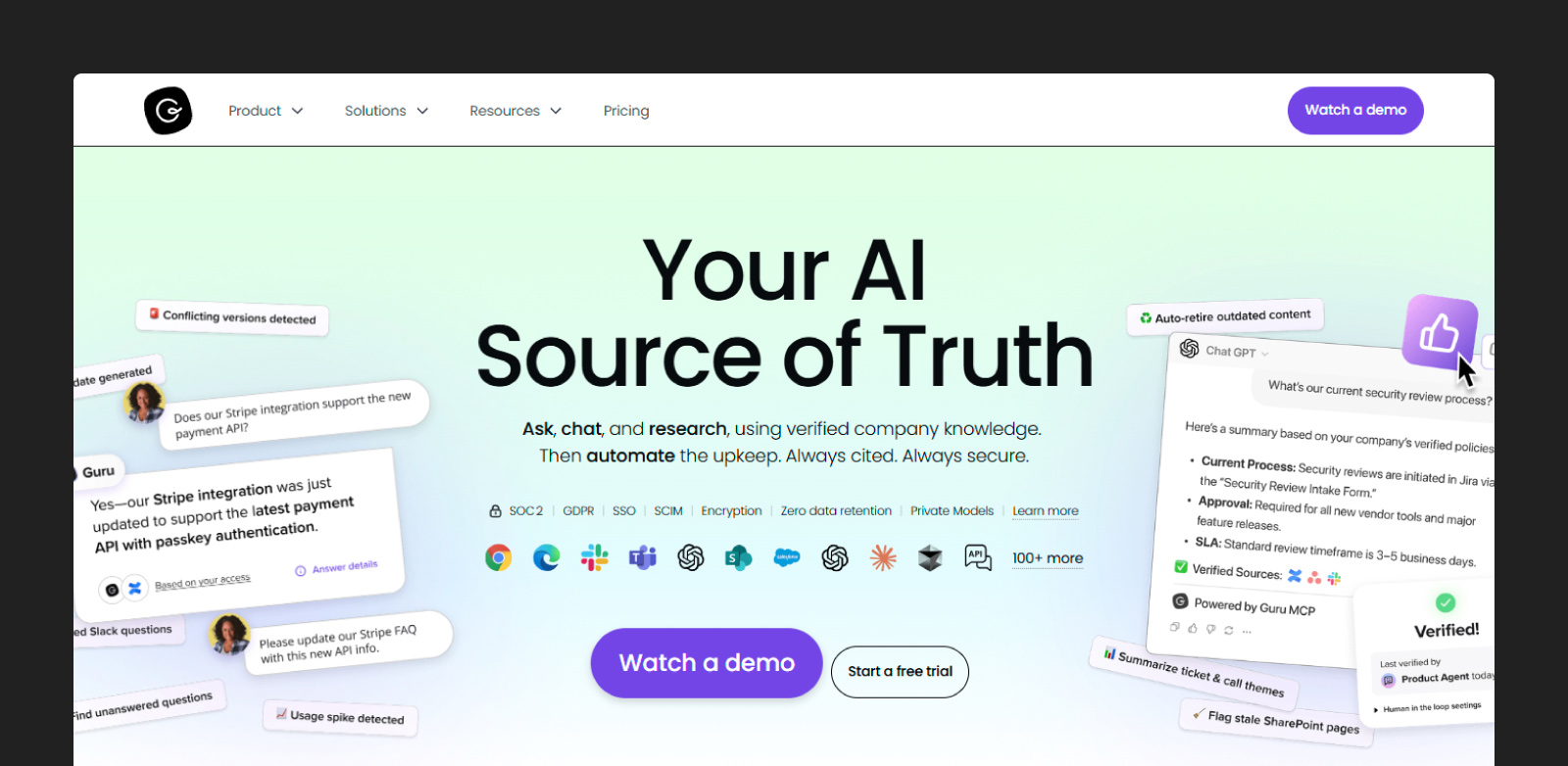
Guru is a knowledge management platform designed for go-to-market teams like sales, customer success, and support. The system organizes information into cards that can be tagged, verified, and shared across the organization. Teams use it to maintain consistent messaging, update product information, and ensure everyone works from the latest approved content.
The platform emphasizes knowledge governance with verification workflows that flag outdated information and assign owners to keep content current. Guru integrates with tools like Slack, Salesforce, and Chrome, surfacing relevant cards directly where people work. It's built for teams that need controlled, consistent information rather than open-ended document search.
Key features:
- Card-based knowledge management: Guru structures information into discrete cards that can be organized by topic, team, or workflow, making it easy to find and update specific pieces of knowledge.
- AI-powered internal search: The platform uses NLP to surface relevant cards based on user queries, conversation context, and role-based permissions.
- Knowledge verification workflows: Guru automatically flags cards that haven't been reviewed recently and prompts owners to verify or update content.
6. Algolia
Best for: API-first search for customer-facing apps and internal portals
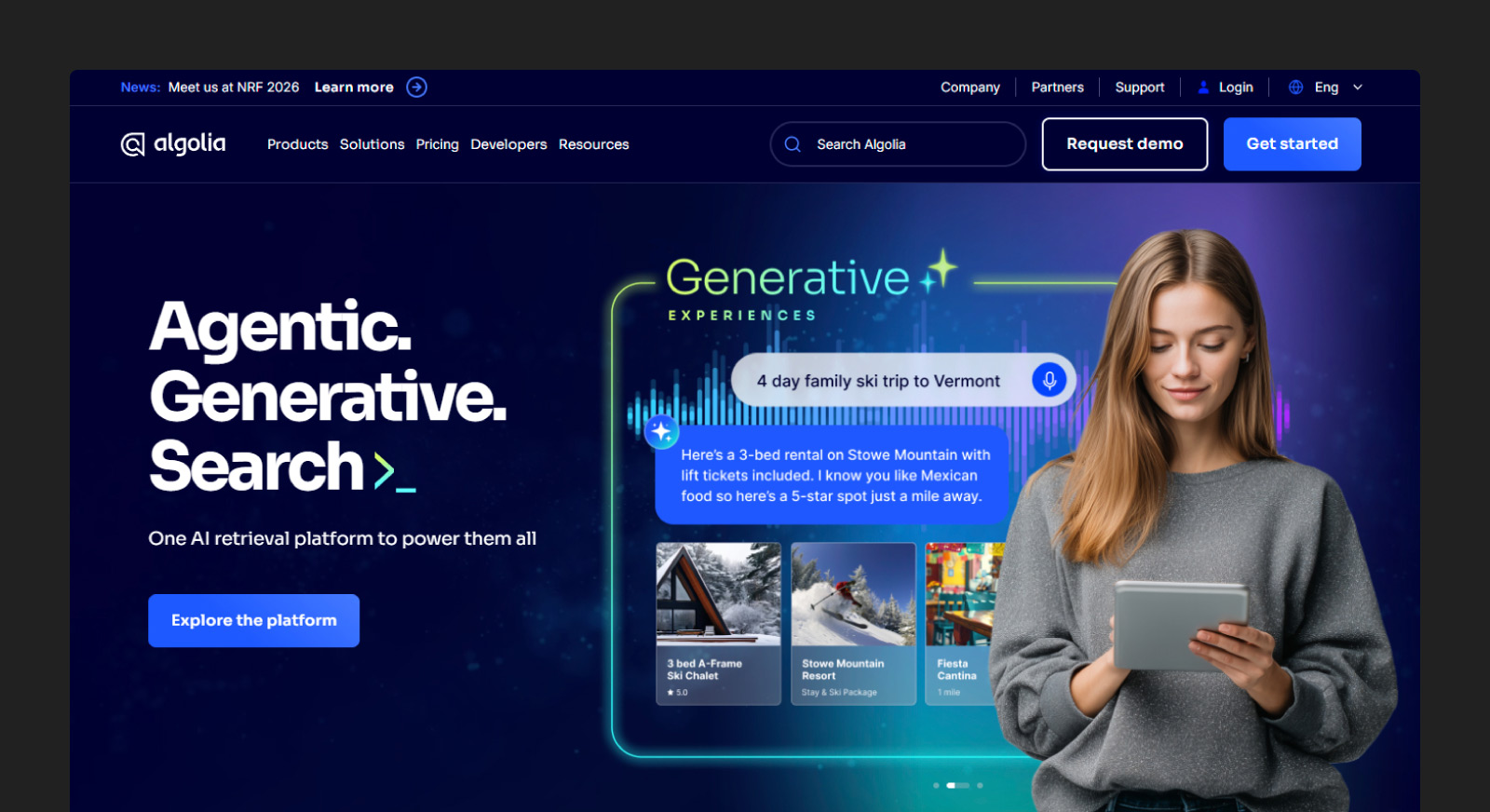
Algolia is a search API designed for developers building search functionality into websites, mobile apps, and software products. The platform provides typo-tolerant search with customizable relevance rules. E-commerce companies, software-as-a-service (SaaS) products, and media sites use it to power customer-facing search experiences.
The API handles indexing, query processing, and result ranking, letting developers focus on front-end design rather than search infrastructure. Algolia charges based on search operations and records stored, scaling with usage. It's optimized for speed and user experience rather than complex document analysis or enterprise workflows.
Key features:
- Search API for applications: Algolia provides RESTful APIs, a secure type of API, and software development kits (SDKs) for JavaScript, Python, Ruby, and other languages, making it simple to integrate search into web and mobile applications.
- Instant, typo-tolerant results: The platform returns results as users type, with algorithms that automatically correct spelling mistakes and handle plurals, synonyms, and abbreviations.
- Rich faceting and filters: Algolia supports dynamic filtering by categories, attributes, price ranges, and custom fields, letting users narrow results interactively.
7. IBM Watson Discovery
Best for: Domain-specific document understanding
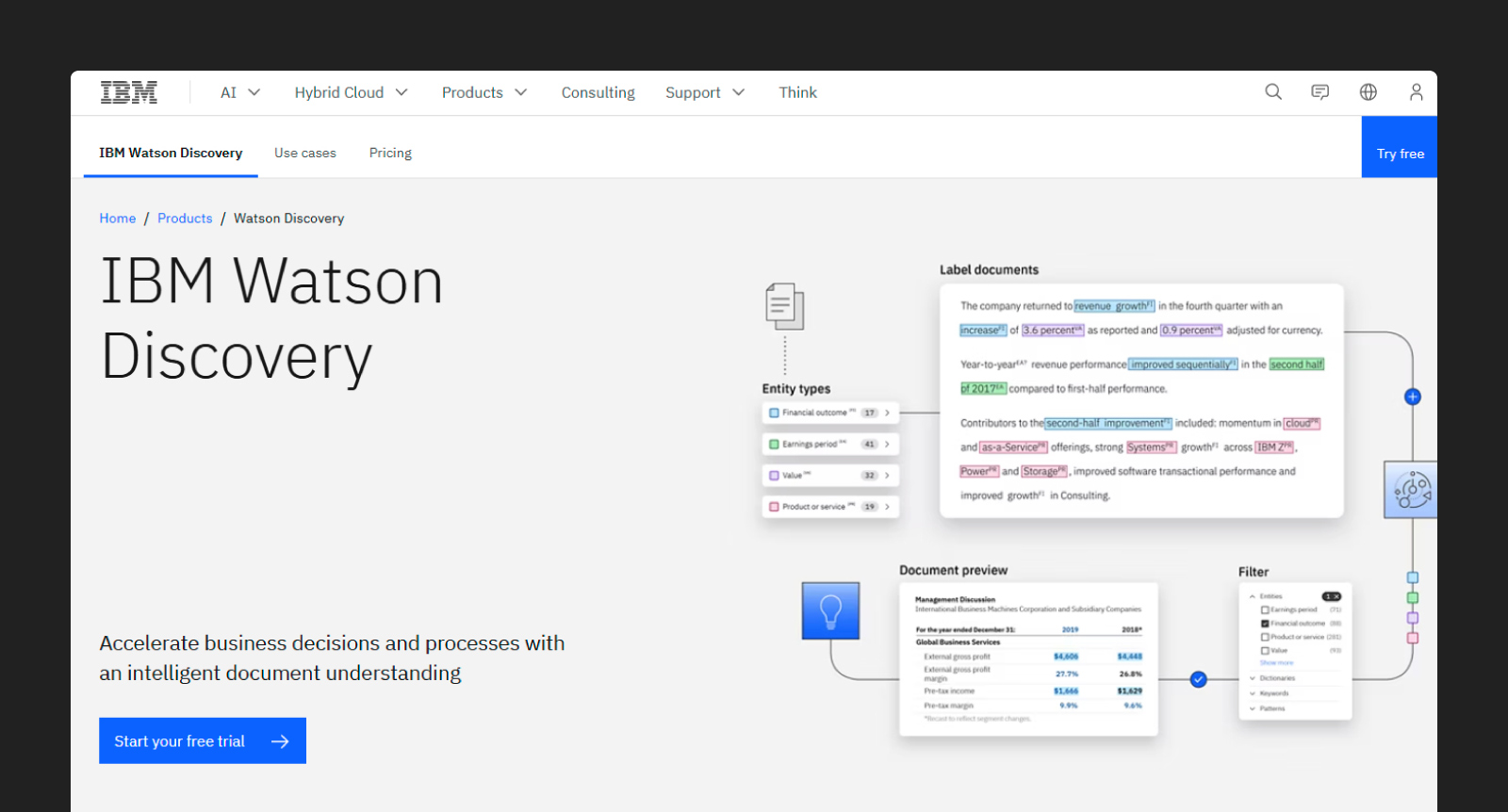
IBM Watson Discovery is an AI-powered search platform that applies NLP to extract insights from enterprise documents. The system can read contracts, reports, and technical documentation to identify entities, relationships, and domain-specific concepts. Large enterprises use it to search internal knowledge bases, regulatory documents, and research libraries.
Watson Discovery includes pre-trained models for industries such as finance, healthcare, and legal, which understand domain-specific terminology and document structures. Organizations can also train custom models on their own data to improve accuracy for specialized use cases. The platform integrates with IBM Cloud and requires technical setup.
Key features
- NLP-enriched document search: Discovery applies NLP to identify entities, sentiment, concepts, and relationships within documents, enriching raw text with structured metadata.
- Domain-specific data enrichment: IBM provides pre-trained models for industries like financial services that recognize specialized terminology, document types, and compliance requirements.
- Table and passage extraction: The platform automatically identifies and extracts tables, charts, and relevant passages from PDFs and scanned documents, converting unstructured content into structured data.
8. Pinecone
Best for: Teams building custom AI retrieval infrastructure
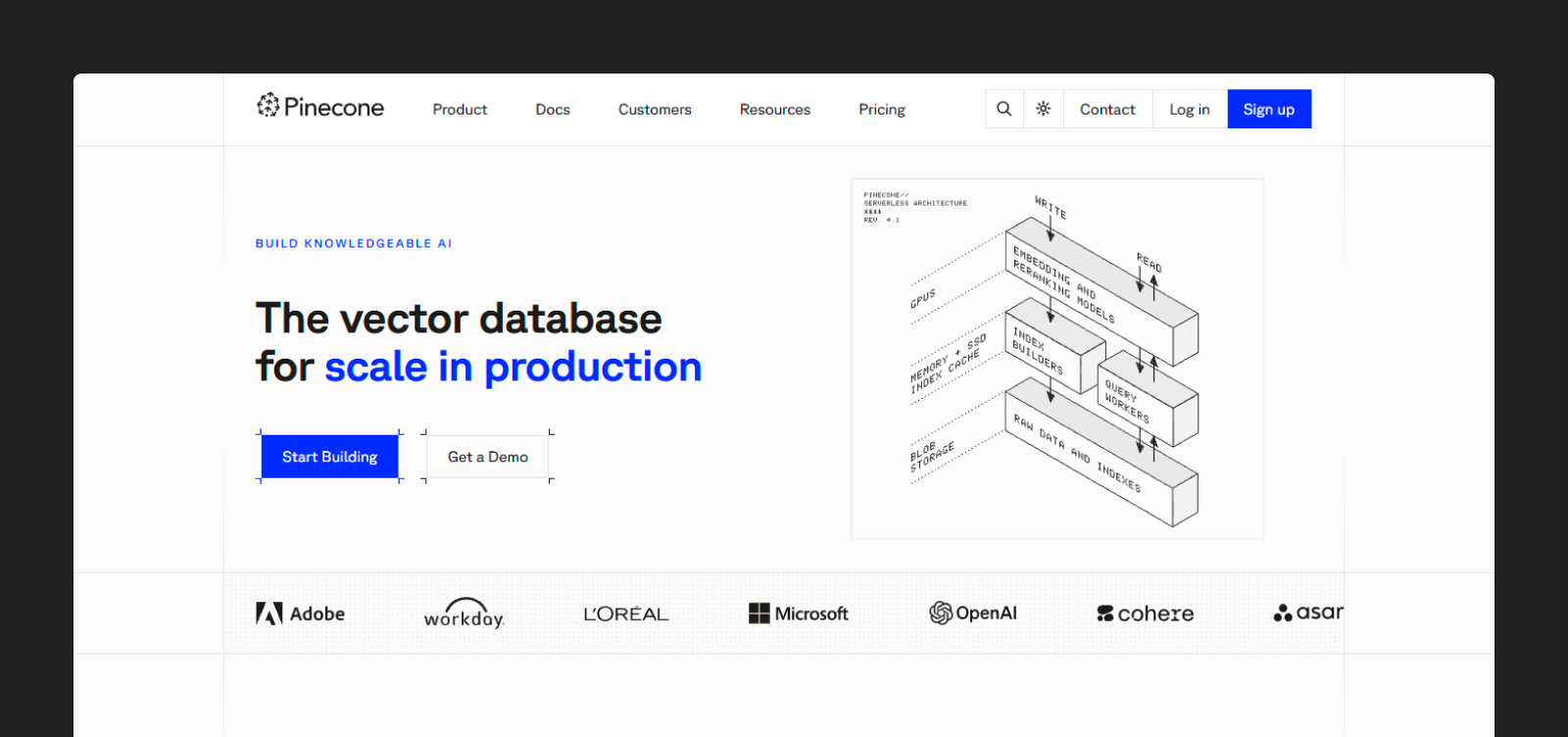
Pinecone is a managed database for AI search that helps developers build smarter search and question answering tools. Instead of storing raw text, it stores numeric representations of content so the system can find items with similar meaning across millions of records in milliseconds.
Unlike traditional databases that match exact values, Pinecone finds conceptually similar items based on vector distance. This enables semantic search, where queries like "companies with strong cash flow" return relevant results, even if documents never use those exact words. Pinecone handles the database layer while developers build application logic and user interfaces on top.
Key features:
- Managed AI search storage: Pinecone manages all the storage and indexing for AI search data, so teams don't need to build or maintain their own search infrastructure.
- Fast meaning-based search: The platform returns relevant, similar results in milliseconds, even when you are searching across millions of items.
- Automatic scaling with demand: The system automatically adds capacity when traffic or data grows and uses less when demand is low, so applications stay responsive without extra setup.
9. Microsoft 365 Copilot Search

Best for: Microsoft-first organizations that need unified work search
Microsoft 365 Copilot is an AI assistant integrated across Microsoft 365 applications, including Outlook, Word, and Excel. Users can access Copilot directly within these applications. The tool helps users search across their work content, draft documents, summarize meetings, and analyze data using natural language prompts.
Copilot leverages Microsoft Graph to understand relationships between people, documents, and conversations, providing context-aware answers based on user behavior and permissions. The system generates summaries, drafts emails, creates presentations, and answers questions grounded in the user's own work data.
Key features:
- AI search across Microsoft 365: Copilot searches email, documents, chats, calendars, and contacts from a single interface, surfacing relevant information based on natural language queries.
- Context-aware work answers: The assistant understands context from recent conversations, meetings, and documents to provide personalized responses tailored to each user's role and projects.
- Graph-based personalization: Microsoft Graph connects data across applications, enabling Copilot to deliver more relevant results.
10. Glean
Best for: Cross-app knowledge discovery and action
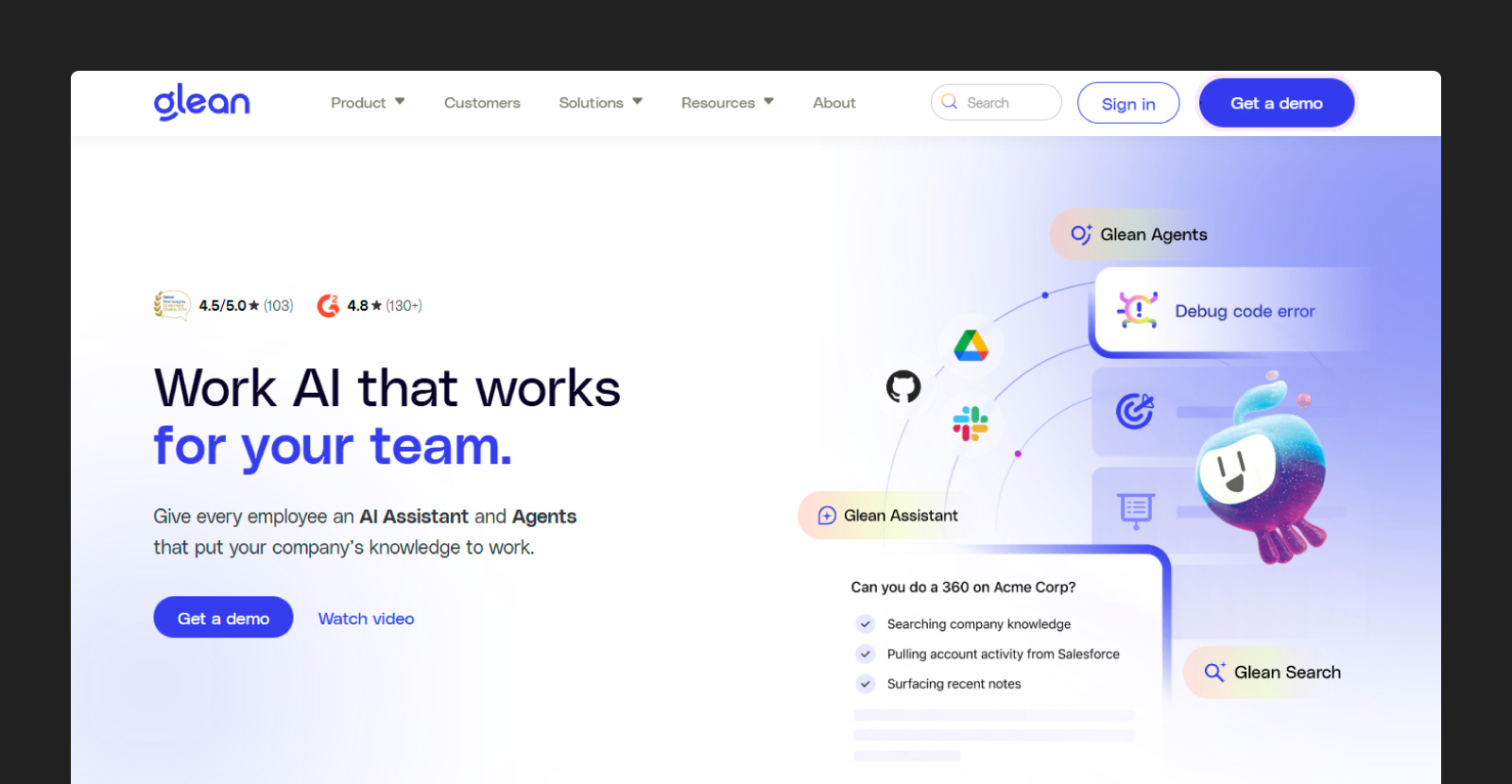
Glean is an enterprise search platform that connects to over 100 workplace applications such as Slack, Google Drive, and Salesforce. The system builds a unified search index across all connected apps, allowing employees to find information without needing to remember where it is stored. Teams that use many different tools benefit from a consolidated search.
The platform uses AI to understand company-specific terminology, organizational structures, and work patterns, personalizing results based on each user's role and relationships. Glean also surfaces proactive recommendations, suggesting relevant documents or answers before users search. The focus is on cross-application discovery rather than deep document analysis.
Key features:
- 100+ app integrations: Glean connects to major workplace platforms, including Google Workspace, Microsoft 365, Slack, and dozens of specialized tools.
- Enterprise Graph knowledge model: The platform builds a knowledge graph that maps relationships between people, documents, projects, and topics across all connected applications.
- Personalized AI work assistant: Glean learns from individual user behavior and team patterns to personalize search results and recommendations.
How To Choose the Best AI-Powered Enterprise Search Software
Choosing the best enterprise search software is a strategic decision, not a generic IT purchase. The right enterprise AI search platform must fit with your daily workflows, or it will likely go unused. Clear selection criteria can help finance teams compare tools on answer quality, security, and integration instead of marketing promises.
Confirm Compatibility With Your Data Source
Assess what your data landscape looks like: deal rooms, internal drives, scanned PDFs, spreadsheets, email archives, and third-party data sources. Different platforms handle different file types and structures with varying degrees of success. Some excel at indexing structured databases, but struggle with complex PDFs or scanned documents that contain tables and footnotes.
Verify that tools can index these formats, keep indexes up to date, and respect existing folder and permission structures. Ask software providers about optical character recognition (OCR) quality for scanned documents, table extraction accuracy, and how they handle large files over 1,000 pages.
Decide Whether You Need a Platform or Infrastructure
Some tools on this list are end-user platforms; others are developer building blocks. If your goal is to get bankers, investors, or credit teams working immediately, prioritize full platforms with built-in search, reasoning, permissions, and output generation.
Test Answer Quality and Transparency
Bring questions from recent deals or investments and run them in each tool during vendor demos. Use queries that require synthesizing information across multiple documents or extracting specific figures from complex financial statements. Generic demo questions won't reveal how platforms perform in your day-to-day work.
Look for precise answers with citations, not vague summaries, plus the ability to click through to source passages. That level of transparency matters: 85% of teams are at least somewhat confident in AI’s factual accuracy when they are tied back to source documents.
Test edge cases, such as questions that span multiple documents, queries that require numerical comparisons, or searches for information buried in footnotes.
Check Security, Permissions, and Compliance Fit
Review how the platform handles data residency, encryption in transit and at rest, access controls, and data retention policies. Finance firms operate under strict regulatory requirements and internal information barriers. The wrong security model can create compliance violations or expose confidential deal information to unauthorized users.
Confirm that user and client permissions from systems such as SharePoint, Box, or network drives are reflected in search results. Users should only see documents they're authorized to access. Compliance, legal, and infosec teams should sign off on any potential software adoption early to avoid rollout delays when security gaps surface months into implementation.
Evaluate Integrations and User Experience
Identify the most frequently used programs, such as Outlook, Teams, Slack, Excel, PowerPoint, or specialized financial applications. The best search platform is worthless if users have to leave their workflow to access it. Adoption drops sharply when search requires opening a separate application or navigating to a different website.
Check if search is available directly inside those tools or only in a separate web app. Test whether users can save frequent queries, share search results with colleagues, and export findings into presentations or models. Smooth integrations, saved searches, and simple sharing drive real usage, while clunky interfaces and extra steps lead to abandonment.
How Hebbia Expedites Document-Heavy Enterprise Search
AI-powered enterprise search enables finance teams to centralize institutional knowledge and move more efficiently from question to answer. Generic tools search across apps but lack the depth needed for complex financial analysis. Hebbia is built for document-heavy workflows in investment banking, private equity, credit, and hedge funds, where critical information sits in unstructured documents.
Hebbia's fully indexed repository, multi-agent AI system, and Iterative Source Decomposition technology allow teams to search, analyze, and synthesize information from millions of pages in seconds with full citations and audit trails. Our platform is designed to support the complex reasoning behind diligence, market research, and deal execution while meeting institutional security and compliance standards.
If you are evaluating enterprise search tools, request a demo to see how Hebbia handles your team’s documents.
Enterprise Search FAQ
How is AI-powered enterprise search different from traditional enterprise search?
Traditional enterprise search returns document matches. AI-powered enterprise search can understand natural-language questions, rank results by context, synthesize information across sources, and increasingly trigger follow-on workflows.
What is the difference between an AI search platform and a vector database?
An AI search platform gives end users search, reasoning, citations, and interfaces out of the box. A vector database is an infrastructure that developers use to build those experiences.
Is AI-powered enterprise search secure enough for sensitive financial data?
AI-powered enterprise search can be secure enough for sensitive financial data, but only if it is built for enterprise use from the start. For finance teams, that means looking for strong security controls like:
- Encryption
- Auditability
- Privacy protections
- Clear policies around customer data
The right platform should help teams move faster without creating new risk. Security, accuracy, and traceability need to be part of the product, not added later.
How does AI-powered enterprise search handle user permissions and access controls?
The strongest platforms inherit permissions from your existing systems, so professionals only see the files and answers they are authorized to access. They also preserve citations and audit trails, which are critical for validating outputs in high-stakes financial workflows.


